Landing Pages for Orthodontic Google Ads: What Converts
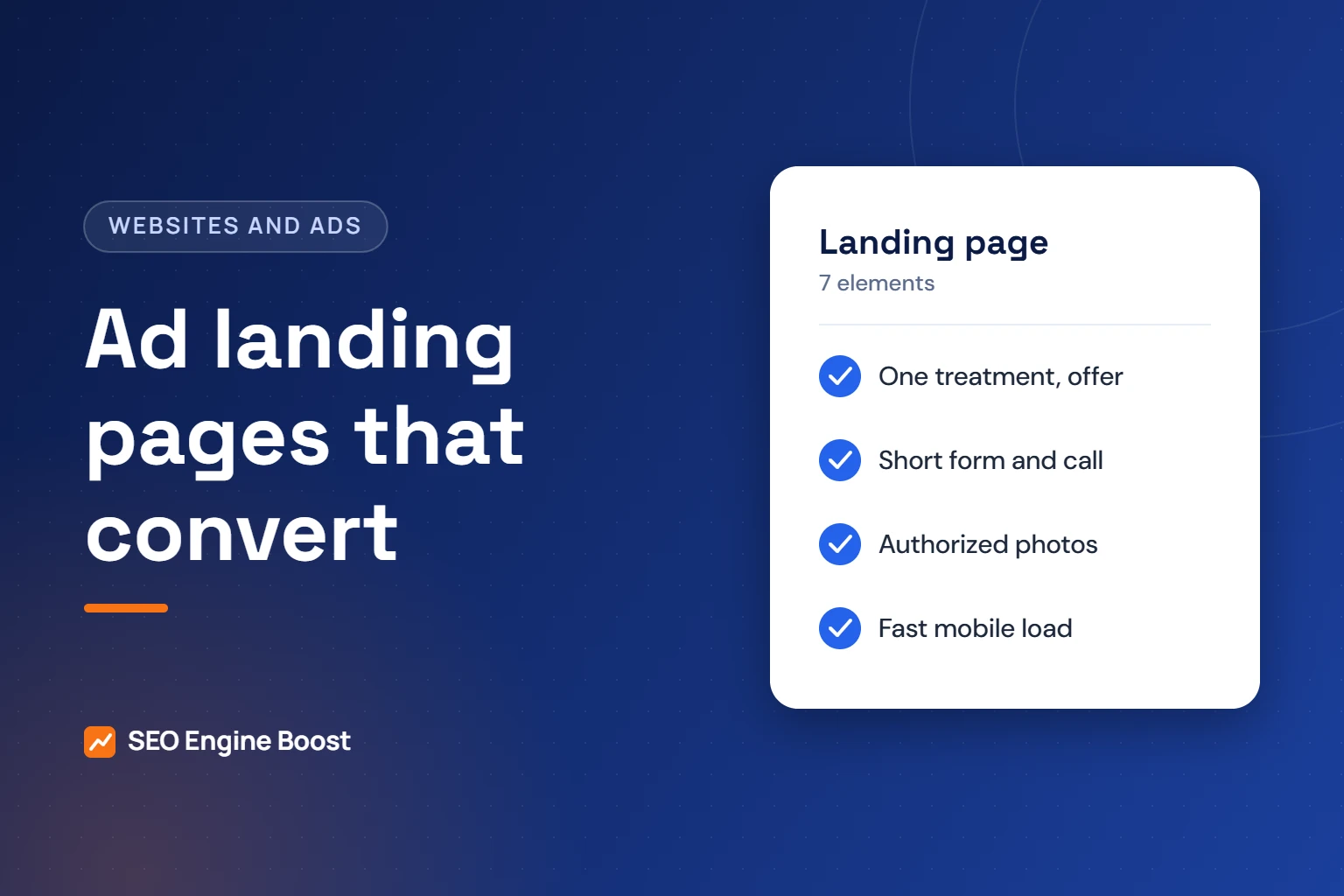
An orthodontic landing page that converts focuses on one treatment and one offer. It repeats the ad’s promise and shows real photos of your office and team. It gives honest price context and uses a short form plus a tap-to-call button. It must load fast on a phone and meet Google’s destination rules.
Below are the seven elements, what Google says about each, and the privacy points that apply to health practices. We do not quote conversion rate benchmarks, because published averages mix industries and methods. Test against your own numbers instead. This guide supports our Google Ads service for orthodontists.
Key takeaways
- Match the page to the ad: same treatment, same offer and same call to action, as Google’s landing page guidance recommends.
- Keep the form short, and never send form contents or health details to ad platforms.
- Use patient photos only with the patient’s or parent’s written HIPAA authorization.
- Aim for Google’s “good” Core Web Vitals thresholds on mobile, and make sure the page meets Google Ads destination requirements.
In this article
- Why your homepage is the wrong destination for most ads
- The 7 elements at a glance
- 1. Message match: one treatment per page
- 2. One clear offer
- 3. A short form and a tap-to-call button
- 4. Real photos, used with authorization
- 5. Honest price context
- 6. Trust signals you can prove
- 7. Fast load, mobile layout and policy fit
- How to test and improve a landing page
- Frequently asked questions
Why your homepage is the wrong destination for most ads
A homepage speaks to everyone. It covers every treatment, the team, insurance and directions. A person who searched “clear aligners near me” has to hunt for the one thing they wanted.
Google’s own advice is direct. “Choose a landing page that closely matches your ad and keywords,” its help page says. It also says the page should “mirror the call-to-action in your ad text.”
So each ad group needs its own page. If you run braces, aligner and children’s ad groups, you need three pages.
The 7 elements at a glance
| Element | What it means | Common mistake |
|---|---|---|
| 1. Message match | Headline repeats the treatment and offer from the ad | Sending every ad to the homepage |
| 2. One offer | A single, real next step, such as a consultation | Three offers competing for attention |
| 3. Short form and call button | Few fields, plus tap to call on mobile | Asking for dental history up front |
| 4. Real photos | Your office, team and doctor; patient photos only with authorization | Stock photos or unauthorized patient images |
| 5. Price context | The range you charge and how financing works | No cost information at all |
| 6. Provable trust signals | Real credentials, real reviews, real address | Badges or claims you cannot document |
| 7. Speed and policy fit | Fast on phones, works on common devices, crawlable by Google | Heavy video, pop-ups and broken redirects |
1. Message match: one treatment per page
The headline should repeat what the person searched and what the ad promised. If the ad says “Clear Aligners for Adults in [City],” the page headline says the same thing.
- Headline: treatment plus location, in plain words.
- Subhead: who it suits and the next step.
- First screen: the call button and form visible without scrolling on a phone.
Remove the main site menu, or keep it minimal. Google recommends simple navigation for mobile sites. Fewer exits keep attention on the next step.
2. One clear offer
Pick one next step and repeat it. For most practices that is a consultation request. If your consultation is complimentary, say so. If it is not, do not imply it.
Good offers are specific and true. Examples of offers a practice might use, if they are accurate for you:
- A consultation with the doctor, with the visit length stated.
- An appointment this week, if your schedule really allows it.
- A second-opinion visit for people already quoted elsewhere.
- Evening or Saturday times, if you offer them.
State any conditions next to the offer, not in a footnote. Wording rules for terms like “specialist” vary by state. Our guide to orthodontic specialty advertising rules covers what to check. That guide is general information, not legal advice, so confirm with your state dental board.
3. A short form and a tap-to-call button
Every extra field gives a busy parent another reason to leave. As agency guidance, ask only for what the front desk needs to call back.
| Field | Keep? | Why |
|---|---|---|
| First name | Yes | Needed to greet the caller |
| Phone or email | Yes | Needed to follow up |
| Best time to call | Optional | Helps the team reach people faster |
| Who is the patient (child, teen, adult) | Optional | Helps prepare the consult without clinical detail |
| Dental history, symptoms, insurance ID | No | Collect at intake, not on an ad page |
Privacy matters here. HHS guidance says tracking technology on an appointment page might collect an email address. HHS treats that as a disclosure of protected health information to the tracking vendor. Do not let ad pixels read form fields. Our guide to tracking pixels and patient privacy explains the risk.
Add a tap-to-call button for mobile visitors. Then make sure someone answers. A missed call wastes the click you paid for.
What happens after someone submits the form
The thank-you page is part of the landing page. It should tell people what happens next and when. As agency guidance, include these points:
- When the team will call back, in plain terms such as “within one business day.” Only promise what your front desk can deliver.
- The office phone number, for people who would rather call now.
- What to bring or prepare for the consultation.
- No personal details, treatment names or form answers in the thank-you page URL.
Not sure your ad pages are pulling their weight?
Dr. Mahmoud Elsheikh reviews your ads, landing pages and tracking himself, and you keep ownership of every account.
Not sure where your practice stands? A free growth audit lists your top three fixes for Google, Maps and AI answers, in writing. Get a free growth audit · See our Google Ads management
4. Real photos, used with authorization
Stock photos of perfect smiles look like every other ad. Photos of your actual office, team and doctor show people where they will go and who they will meet.
Patient photos are different. HHS lists “full-face photographs and any comparable images” among the identifiers in its de-identification guidance. Under the HIPAA Privacy Rule, marketing communications generally require the individual’s written authorization.
- Get written authorization before using any patient photo in ads or on ad pages.
- For minors, follow your state’s rules on parent or guardian authorization.
- Keep the signed form on file and honor any revocation.
- Choose photos that show typical results, and avoid implying guaranteed outcomes.
This is general information, not legal advice. Our guide to orthodontic before-and-after photos covers consent and accuracy in more detail.
5. Honest price context
Cost is one of the first questions people ask. A landing page that avoids it sends people back to search.
You do not need exact quotes. Give the range you actually charge for that treatment, what it includes and how payment plans work. Mention which insurance plans you accept, if any. Do not copy price ranges from other sites; use your own fees.
- Range: the typical fee range for this treatment at your practice.
- What is included: records, appliances, adjustment visits and retainers, as your practice defines them.
- Payment: down payment options and in-house or third-party payment plans you actually offer.
- Insurance: whether you file claims and how orthodontic benefits usually apply at your office.
- Final quote: a plain note that the exact fee follows the exam.
Our guide to showing prices and financing on your website covers how to word ranges without overpromising.
6. Trust signals you can prove
Google suggests you “consider adding reviews that show real opinions from other customers.” Real is the key word. Every trust signal on the page should survive a skeptical parent checking it.
- Doctor: name, photo and credentials exactly as licensed.
- Reviews: genuine reviews, quoted accurately, with permission where required.
- Location: address, map, hours and parking notes.
- Memberships: only ones you hold, linked to the source where possible.
Never add review counts, awards or affiliations you cannot document. A single false claim can undo the trust the rest of the page builds.
7. Fast load, mobile layout and policy fit
Google notes that many customers visit on mobile devices. Design the page for a phone first, then check it on desktop.
For speed, use Google’s Core Web Vitals. The “good” thresholds are Largest Contentful Paint within 2.5 seconds and Interaction to Next Paint of 200 milliseconds or less. Cumulative Layout Shift should be 0.1 or less. Our guide to orthodontic website speed explains how to test and fix each one.
The page must also meet Google Ads destination requirements. Key points from that policy:
- The page works on common browsers and devices.
- Google’s crawler can access it without errors.
- The display URL domain matches the domain people land on.
- The page has real, original content, not just a form or a redirect.
Speed problems we look for first on ad pages
- Autoplay background video: heavy files that delay the main content.
- Oversized hero photos: large images that are not compressed or sized for phones.
- Chat and review widgets: extra scripts that can load before visitors can tap anything.
- Pop-ups and late banners: content that appears late and pushes the page around.
- Redirect chains: extra hops from tracking links that slow the first load.
Fix these before redesigning anything. They are often quick wins, and they help every ad that points to the page.
How to test and improve a landing page
Change one thing at a time and measure the result over enough weeks to see a pattern. As agency guidance, test the headline and offer first, then the form length, then photos.
- Track form submissions and calls from the page, without sending personal data to ad platforms.
- Record booked consultations, not just form fills, in your practice software.
- Compare cost per booked consultation across pages, not click-through rate alone.
- Keep a change log with dates, so results can be traced to edits.
- Check the search terms report as well. A weak page is sometimes a keyword problem, not a design problem.
Measurement setup matters as much as design. Decide which events you track before launch, and keep personal data out of every analytics and ad tool.
Frequently asked questions
Should each orthodontic treatment have its own landing page?
Yes, if you run a separate ad group for it. Google recommends a landing page that closely matches your ad and keywords. A braces ad should land on a braces page, and an aligner ad on an aligner page. One general page for every ad forces visitors to search again for what they wanted.
Can I use patient before-and-after photos on an ad landing page?
Only with the patient’s written HIPAA authorization, or a parent’s or guardian’s for minors under your state’s rules. HHS lists full-face photographs among identifiers, and marketing uses generally require authorization. Keep signed forms on file. This is general information, not legal advice, so confirm details with your compliance advisor.
What is a good conversion rate for an orthodontic landing page?
We do not quote a benchmark, because published averages mix industries, offers and tracking methods. Compare your own pages against each other instead. Track booked consultations, not only form fills, and measure cost per booked consultation. That number tells you whether a page earns its ad spend.
Should the landing page show orthodontic prices?
It should give price context. Show the range you actually charge for that treatment, what it includes and how payment plans work. Exact quotes depend on the exam, so say that plainly. Leaving cost out entirely sends many visitors back to search results to find an answer elsewhere.
Is it safe to put the Meta or Google Ads pixel on my landing page?
It depends on what the pixel can see. HHS guidance says tracking on an appointment page that collects an email address discloses protected health information to the vendor. Keep pixels away from form fields and health details, and get advice from your compliance advisor before adding any ad tag.
Does the landing page affect what we pay per click?
It can. Google’s Ad Rank help page lists the quality of your ads and landing page among the factors in each auction, and says higher quality ads can often lead to lower costs per click. Quality Score reports landing page experience as one of three components, alongside expected click-through rate and ad relevance. Matching the page closely to the ad and keyword is the most direct improvement.
Should an ad landing page be set to noindex?
That is a Search decision, not an Ads requirement. Some practices noindex ad pages that closely copy a treatment page, so the two do not compete in organic results. Whatever you choose, do not block Google’s ads crawler. Google’s crawler documentation says AdsBot ignores robots.txt rules written for all user agents, so only a rule naming AdsBot-Google would block it. Never add one.
Should the landing page have its own phone number?
Often, yes. A tracking number shown only on the ad page, or a Google forwarding number shown to ad visitors, tells you which calls came from the campaign. Keep your main office number on the Business Profile and in directories. Make sure every number rings the same staffed line, and test each one from a mobile phone before the campaign goes live.
How long should we test a landing page change before deciding?
There is no fixed number of days. Judge by booked consultations, not a handful of clicks. As agency guidance, a small practice may need several weeks before one change shows a clear difference. Keep budget, keywords and offer steady during the test, change one element at a time, and log the start date so you can compare cost per booked consultation before and after.
Sources
- Google Ads Help: Optimize your ads and landing pages
- Google Advertising Policies Help: Destination requirements
- web.dev: Web Vitals (updated Oct 31, 2024)
- HHS: Use of Online Tracking Technologies by HIPAA Covered Entities and Business Associates
- HHS: Marketing (HIPAA Privacy Rule guidance)
- HHS: Guidance Regarding Methods for De-identification of Protected Health Information
Keep reading
See where your practice stands
If you would like a second pair of eyes on your own practice, we offer a free growth audit: a manual review of your local visibility, website, reviews and content, with a prioritized list of what to fix first.
Try it with your own numbers: use our free Google Ads ROI calculator to see how landing page conversion rates change your cost per consultation.