Google Ads Keywords and Negative Keywords for Orthodontists
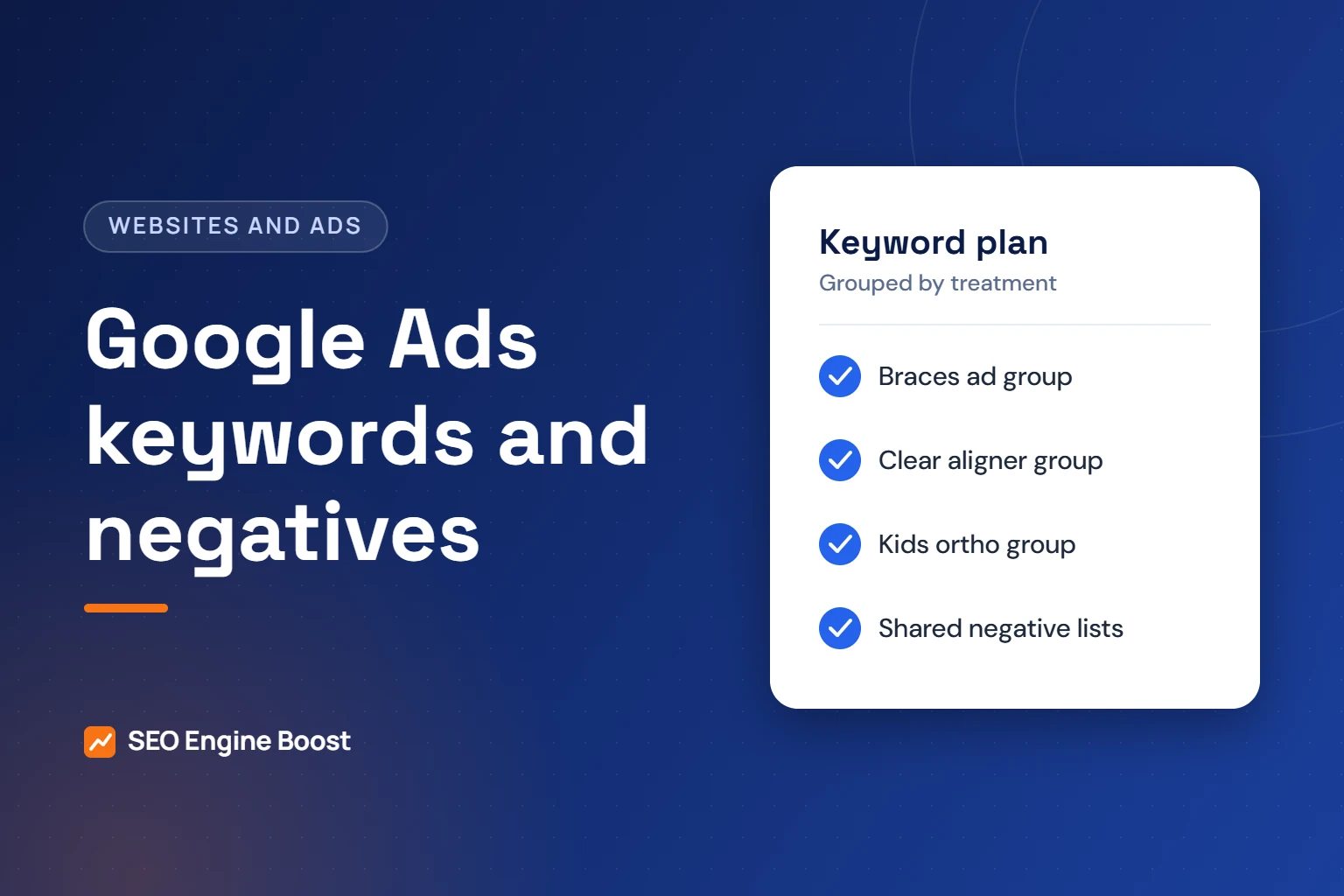
Strong Google Ads keywords for orthodontists are grouped by treatment, such as braces, clear aligners and kids’ orthodontics, and paired with local intent. Negative keywords matter just as much. They block searches about jobs, DIY fixes, supplies and schooling, so your budget goes to people who might book a consultation.
This guide explains how Google matches keywords to searches, how to build treatment-based lists and how to start a negative list you can adapt. Every rule below comes from Google’s own help pages, linked in the sources. Example keywords are illustrations, not search volume data. For the full service view, see our Google Ads management for orthodontists.
Key takeaways
- Build one ad group per treatment, so each keyword, ad and landing page tells the same story.
- Negative keywords do not match close variants. Add plurals and synonyms, such as job, jobs, career and careers, yourself.
- Review the search terms report on a fixed schedule and turn irrelevant searches into shared negative lists.
- Google treats health as a sensitive interest category, so customer match and your data segments are not supported for health ads.
In this article
- How Google matches your keywords to searches
- Build keyword lists by treatment, not one big list
- Brand terms and trademarks such as Invisalign
- How negative keywords work
- A starter negative keyword list for orthodontic practices
- Organize negatives with shared lists
- Review the search terms report on a schedule
- Health policy limits on audiences
- A launch checklist for orthodontic keyword lists
- Frequently asked questions
How Google matches your keywords to searches
Every keyword has a match type. The match type controls how closely a search must relate to your keyword before your ad can show. Google’s help center describes three types.
| Match type | How you enter it | What Google says it matches | Illustration for an orthodontic ad |
|---|---|---|---|
| Broad | braces for adults | Searches related to your keyword. This is the default type. | Can reach related searches that do not contain your exact words |
| Phrase | “braces for adults” | Searches that include the meaning of your keyword, including more specific versions | Can reach longer searches, such as cost questions about adult braces |
| Exact | [braces for adults] | Searches with the same meaning or intent as your keyword | Reaches the narrowest set of searches |
Google says exact match gives the most control and reaches the fewest searches. Broad match reaches the most. Phrase match sits between them.
As agency guidance, not a Google rule, we start most small practices on phrase and exact match. We test broad match only once conversion tracking is reliable.
Build keyword lists by treatment, not one big list
Ads are written per ad group. If every keyword sits in one ad group, a parent searching for kids’ braces may see an ad about adult aligners. Splitting by treatment keeps the search, the ad and the landing page aligned.
| Ad group | Example keyword themes | Who is usually searching | Where the ad should land |
|---|---|---|---|
| Braces | braces near me, braces [city], metal braces cost | Parents and teens | Braces page |
| Clear aligners | clear aligners [city], Invisalign provider near me | Adults and older teens | Aligner page |
| Children’s orthodontics | orthodontist for kids, early orthodontic treatment | Parents | Children’s treatment page |
| Adult orthodontics | braces for adults, adult orthodontist [city] | Adults | Adult treatment page |
| General local | orthodontist near me, orthodontist [city] | Mixed | Consultation page |
| Practice name | your practice name, your doctor’s name | Patients and referrals | Homepage or contact page |
Treat these as starting themes. Check real demand in your own account before you commit budget. Demand varies by city and changes over time, so we do not quote volume figures here.
Each ad group needs a page built for that treatment. Our guide to orthodontic ad landing pages covers what that page should include.
Words that signal a ready patient
- Cost words: cost, price, payment plans, financing.
- Local words: near me, your city, neighborhood names.
- Action words: consultation, appointment, book.
- Comparison words: best, top rated, reviews, with your city.
Do not block cost or price searches. A parent comparing braces prices is still a potential patient.
Brand terms and trademarks such as Invisalign
Many adults search by brand name. Google’s trademark policy lists using trademarks as keywords among the things Google Ads will not restrict.
Ad text is different. Trademark restrictions, where they apply, concern the trademark appearing in the ad itself. Google’s policy has exceptions, including landing pages that sell or clearly facilitate the sale of the trademarked product or service.
- Only call yourself a provider of a branded system if you actually offer it.
- Check the brand owner’s own rules for providers before using the name in ad text.
- Make the landing page clear about what you offer and how to book.
Your own practice name deserves its own ad group too. It keeps your ad at the top when patients and referring dentists search for you.
How negative keywords work
Negative keywords stop your ads from showing on searches you do not want. They follow their own match rules. Google’s examples use running shoes; the table applies the same logic to an orthodontic term.
| Negative match type | Blocks the ad when the search… | Example negative: orthodontist jobs |
|---|---|---|
| Negative broad | Contains all the words, in any order | Blocks “jobs at orthodontist office”. Does not block “orthodontist job”, because job is singular. |
| Negative phrase | Contains the words in the same order, extra words allowed | Blocks “orthodontist jobs near me”. Does not block “jobs orthodontist”. |
| Negative exact | Is exactly those words, in order, with no extra words | Blocks only “orthodontist jobs”. |
The key point: Google says negative keywords do not match close variants or other expansions. Its example is that excluding “flowers” does not block “red flower.” So add singular, plural and synonym versions yourself.
Google adds two more cautions. Negative keywords after the 16th word of a long search are not applied. And if you use too many negatives, your ads may reach fewer customers. Block what is clearly wrong, not what merely looks unfamiliar.
Not sure where your practice stands? A free growth audit lists your top three fixes for Google, Maps and AI answers, in writing. Get a free growth audit · See our Google Ads management
A starter negative keyword list for orthodontic practices
These themes target searches that are unlikely to come from prospective patients. Adapt them to your practice. Some depend on what you offer.
| Theme | Example negatives | Why block | Check before adding |
|---|---|---|---|
| Jobs and careers | job, jobs, career, careers, hiring, salary, resume | Job seekers, not patients | Skip if you run separate hiring ads |
| Roles and training | orthodontic assistant, technician, school, residency, course, certification | Students and dental staff | None for most practices |
| DIY and home fixes | diy, homemade, fix at home | People not seeking care | Some practices see home aligner searchers as prospects |
| Supplies and products | wax, retainer case, cleaner, wholesale, supply | Product shoppers | Keep retainer terms if you sell replacement retainers |
| Images and definitions | pictures, images, meaning, definition | Early research, rarely booking | Watch results before blocking |
| Free offers | free | Bargain hunters | Do not block if you offer complimentary consultations |
As agency guidance, use negative phrase match for multi-word terms like “orthodontic assistant.” Use negative broad match for single words like “salary.” Then add the plural and synonym forms.
Terms you usually should not block
- Cost, price, financing and payment plan searches.
- Insurance searches, if you accept the plans people name.
- Adult and teen terms, which match core treatments.
- Near me and city terms, which show local intent.
Want a second pair of eyes on your keywords?
Dr. Mahmoud Elsheikh reviews your keyword and negative lists himself, and your practice keeps ownership of the ads account.
Organize negatives with shared lists
Google lets you add negatives at the account level or build negative keyword lists that apply to many campaigns. Lists save time. When you add a term to a list, every campaign that uses the list gets it.
| Option | Google’s limit | Best use |
|---|---|---|
| Account-level negatives | 1,000 per account | Terms that are wrong for every campaign, such as jobs |
| Negative keyword lists | Up to 5,000 keywords per list and up to 20 lists per account | Themed lists you apply to chosen campaigns |
A simple structure for a one- to three-office practice:
- List 1, jobs and training: careers, salary, school, residency and role names.
- List 2, supplies and DIY: product, wholesale and home-fix terms.
- List 3, wrong services: services you do not provide, such as treatments you refer out.
- Apply all three lists to every Search campaign, then add campaign-specific negatives only where needed.
Review the search terms report on a schedule
The search terms report shows the actual searches that triggered your ads and the keyword that matched each one. It is the main source for new negatives.
Google notes one limit. Terms without enough query activity are left out of the report to meet its privacy standards. So the report never shows every search you paid for.
- Open the search terms report for the last 7 or 30 days and sort by cost.
- Mark terms that could not come from a prospective patient.
- Decide where each negative belongs: a shared list or one campaign.
- Add the plural and synonym forms, since negatives ignore close variants.
- Promote strong, relevant terms to exact match keywords in the right ad group.
- Log what you changed and why, so the next review is faster.
As agency guidance, weekly reviews suit new campaigns. Monthly reviews are often enough once the lists settle.
Health policy limits on audiences
Google’s personalized advertising policy treats health as a sensitive interest category. Advertisers promoting in these categories cannot use advertiser-curated audiences.
- Not supported: customer match, your data segments, audience expansion and lookalike segments.
- Supported: predefined Google audiences, such as in-market, affinity and life events, plus location targeting.
Google’s examples of health content include treatments for chronic conditions and CPAP machines for sleep apnea. The policy page does not mention dental care by name. Watch the policy status of your ads and audiences, and appeal or adjust if Google flags them.
This is one reason keywords carry so much weight in orthodontic Search campaigns. Privacy matters on the website side too. Our guide to tracking pixels and patient privacy covers what not to send to ad platforms.
A launch checklist for orthodontic keyword lists
- One ad group per treatment, each with its own ad and landing page.
- Phrase and exact match keywords to start, with broad match tested later.
- Three shared negative lists applied to every Search campaign.
- Plural and synonym forms added for every negative.
- Cost, financing and near me terms left unblocked.
- A calendar reminder to review search terms every week at first.
- Conversion tracking in place before you judge any keyword.
If you have not launched yet, read what to check before you spend on Google Ads first. Keywords only pay off when tracking, landing pages and phone handling are ready.
Frequently asked questions
How many keywords should an orthodontic ad group have?
Google sets no ideal number. As agency guidance, keep each ad group tight enough that one ad and one landing page fit every keyword in it. If a keyword needs a different ad or page, move it to its own ad group. Small, focused groups are easier to read in reports and easier to fix.
Can I bid on Invisalign as a keyword?
Google’s trademark policy says Google Ads will not restrict using trademarks as keywords. Using the name in ad text is a separate question under the same policy. Only describe yourself as a provider if you offer that system, and check the brand owner’s provider rules before using its name in ads.
Should I block the word free?
Only if you do not offer anything free. If your practice offers complimentary consultations, blocking free would hide your ads from people looking for exactly that. Check the search terms report first. If free searches are mostly about free braces programs you do not offer, block those specific phrases instead of the single word.
Do negative keywords block plurals and synonyms?
Google says negative keywords do not match close variants or other expansions. Excluding a singular word will not block its plural. Add singular, plural and synonym forms yourself, such as job, jobs, career and careers. Then confirm in the search terms report that the unwanted searches have stopped.
Can orthodontic practices use remarketing audiences in Google Ads?
Google treats health as a sensitive interest category for personalized ads. Its policy lists customer match, your data segments, audience expansion and lookalike segments as not supported. Predefined Google audiences and location targeting remain available. Check the current policy page before planning audiences, because Google updates these rules.
Should we bid on other orthodontists’ practice names?
Google’s trademark policy says it will not restrict trademarks used as keywords, but naming a competitor in your ad text is a separate question and can draw complaints. As agency guidance, we rarely recommend it. People searching for a specific practice usually want that practice, and local colleagues and referring dentists notice. Make sure your own practice name campaign is running first.
Which location setting should an orthodontic campaign use?
Google’s default and recommended option, Presence or interest, can show ads to people outside your area who search about it. The Presence option limits ads to people likely to be in, or regularly in, your targeted locations. As agency guidance, most local practices start with Presence and then check the location report. Families relocating to your city are the main reason to test interest.
When should we try broad match keywords?
Google strongly recommends using broad match only in campaigns with Smart Bidding, which sets a bid for each auction. Smart Bidding depends on accurate conversion data. As agency guidance, test broad match only once booked consultations, not just form fills or calls, are tracked reliably. Watch the search terms report closely in the first weeks and add negatives quickly when irrelevant searches appear.
Should we bid on general dentist keywords?
Usually not as a starting point. Searches such as dentist near me are usually about cleanings, fillings or urgent care, which an orthodontic office does not provide. Some combined searches, such as dentist plus braces, can make sense to test. Add general dental services you do not offer to your wrong-services negative list, and review the search terms report before expanding.
Sources
Keep reading
See where your practice stands
If you would like a second pair of eyes on your own practice, we offer a free growth audit: a manual review of your local visibility, website, reviews and content, with a prioritized list of what to fix first.
Try it with your own numbers: use our free Google Ads ROI calculator to see what cost per consultation your budget can support.