Before-and-After Photos on Orthodontic Websites: Consent and Accuracy
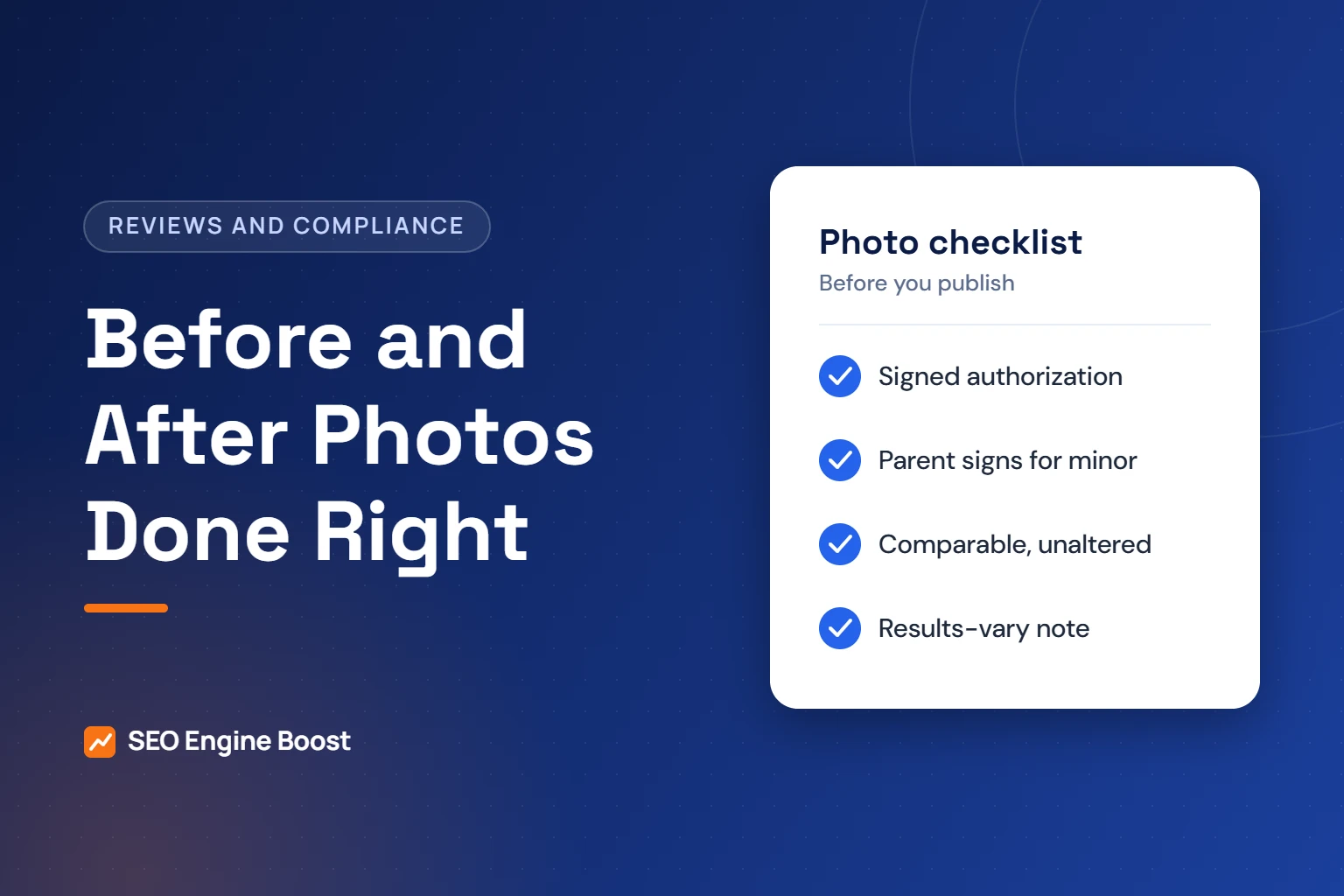
You can use before-and-after photos on an orthodontic website if the patient signs a HIPAA authorization first. For most minors, a parent or guardian signs. Show real, unaltered photos of your own patients. Present each pair comparably, say what treatment was done and note that results vary between patients.
This guide covers authorization, minors, accuracy rules and image SEO for case galleries. It draws on HHS, the FTC, the ADA Code of Ethics and one state law as an example. It is general information, not legal advice. Check your state dental board’s advertising rules before you publish.
Key takeaways
- HHS lists full-face photographs as identifiers, so treat patient photos used in marketing as protected health information that needs signed authorization.
- HHS says parents are, in most cases, the personal representatives for their minor children, so a parent usually signs for a teen patient.
- The ADA Code warns against statements likely to create unjustified expectations, and FTC guides expect disclosure of generally expected results.
- Use descriptive file names and alt text about the treatment, never the patient’s name.
In this article
- Why before-and-after photos are protected health information
- What a photo authorization form should include
- Minors: who signs for a teen patient
- Accuracy: show real results without overpromising
- How to build an honest case gallery entry
- File names, alt text and image SEO without exposing patients
- Stock photos, models and borrowed images
- A publishing workflow for your team
- Frequently asked questions
Why before-and-after photos are protected health information
A case photo shows who the patient is and what care they received. That makes it protected health information when your practice holds it.
HHS’s summary of the Privacy Rule lists 18 identifiers that must be removed to de-identify data. Item (Q) is “full face photographic images and any comparable images.” A full smile photo of a patient is identifiable by design.
Intraoral photos and X-rays can seem anonymous. They can still be linked to a person through captions, dates, file names or a social media tag. The safest approach, and our agency guidance, is simple: get authorization for every patient image used in marketing.
HHS’s summary says written authorization is needed for uses of PHI outside treatment, payment or health care operations. Publishing a case gallery to attract new patients is none of those.
What a photo authorization form should include
Your treatment consent form is not enough. Use a separate authorization for marketing use. HHS’s summary says an authorization must be written in plain language and contain specific elements.
| Element HHS requires | What it looks like for photos |
|---|---|
| Description of the information | Which images: extraoral, intraoral, smile video, X-rays, and whether first name or treatment details appear |
| Who discloses and who receives | Your practice discloses; the public receives through your website, social media and ads |
| Expiration date or event | A date, or an event such as written revocation |
| Right to revoke in writing | How the patient or parent can withdraw permission, and who to contact |
Many practices add plain-language extras. These are agency suggestions, not HHS requirements:
- Checkboxes for each channel: website, social media, paid ads, printed materials
- Checkboxes for each image type, so a parent can allow intraoral photos but not face photos
- A choice about names: no name, first name only, or full name
- A note that you will not sell the images or let other companies use them
Store signed forms with the patient record. Track each image’s authorization status in the same place you store the images. When someone revokes, remove their images from your site and future posts promptly.
Have your attorney review the form. State privacy law can add requirements on top of HIPAA.
Collect the form early. The best time is usually at the start of treatment, when you take initial records. Asking only at debond means many great cases never qualify for the gallery.
Minors: who signs for a teen patient
Most orthodontic galleries feature children and teens. HHS’s personal representatives guidance says a parent “usually has the authority to make health care decisions about his or her minor child.” That usually makes the parent the personal representative under HIPAA.
HHS lists three exceptions. One is care a minor can legally consent to without a parent. Another is when a court or other person is authorized to consent. The third is when a parent agrees to a confidential relationship. State law also governs parental access in some situations.
For routine orthodontic treatment, the parent or guardian typically signs the photo authorization. Two practical additions help:
- Ask the teen too. A 15-year-old may not want their smile on your homepage, even if a parent agrees.
- Revisit the permission later. A photo a 12-year-old was fine with may feel different at 17.
Neither step is a HIPAA requirement. Both reduce the chance of an upset family and a takedown request.
Custody arrangements can complicate who may sign. If records show a guardianship or court order, follow it and ask your attorney when in doubt.
Accuracy: show real results without overpromising
Authorization covers privacy. Advertising rules cover honesty. Both apply to every gallery image.
The ADA Code of Ethics, Section 5.F, says no dentist may advertise in a way that is “false or misleading in any material respect.” Advisory Opinion 5.F.2 lists statements “likely to create an unjustified expectation about results the dentist can achieve.”
The FTC’s Endorsement Guides set a similar standard for consumer endorsements. Under 16 CFR 255.2(b), if an endorser’s experience is not representative, the advertiser “should clearly and conspicuously disclose the generally expected performance.”
One state example: California
California’s Business and Professions Code Section 651 covers licensees under the state’s healing arts division, which includes dentists. It is specific about images:
- Images must not create “false or unjustified expectations of favorable results.” Altered images of the actual subject are covered too.
- Photos of models must say so clearly, in a prominent location.
- Patient images must state what procedures were performed.
- Before and after views must be comparable in presentation, so poses and lighting do not distort results.
- Before and after views must include a statement that the same results may not occur for all patients.
Other states have their own rules. Check your state dental board. Our guide to orthodontic specialty advertising rules covers related board requirements.
How to build an honest case gallery entry
A good gallery entry gives a parent useful context. It also keeps you within the accuracy rules above. Use the same structure for every case.
| Field | Example (hypothetical) |
|---|---|
| Concern | Crowding and a deep bite |
| Treatment | Upper and lower braces, then retainers |
| Treatment time | This patient’s actual time, for example 22 months |
| Treated by | Our practice (your own patient, not a stock image) |
| Disclosure | Individual results vary. The same results may not occur for all patients. |
Write the treatment time for that specific patient, not an average you cannot support. Avoid words such as “perfect,” “guaranteed” or “painless.”
Keep photos comparable. Use the same angle, distance and lighting standard for before and after. Do not whiten teeth, smooth skin or edit the bite in software.
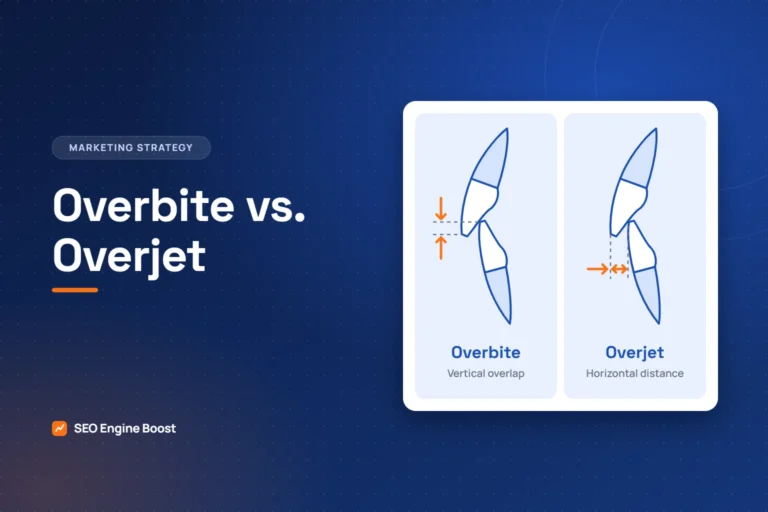
Accurate terms matter too. Our article on overbite vs overjet content accuracy shows why clinical wording on patient-facing pages needs care.
Want a compliance check on your case gallery?
Our free growth audit reviews your gallery, captions and image setup alongside your search visibility.
File names, alt text and image SEO without exposing patients
Google’s image SEO guidance helps galleries get found. It also lines up well with privacy, if you follow it carefully.
- File names: Google advises “filenames that are short, but descriptive” and suggests avoiding names like image1.jpg. Use braces-crowding-before.jpg, never a patient’s name.
- Alt text: Google calls alt text the most important image attribute and warns against keyword stuffing. Describe the image: “Teen smile after braces treatment for crowding.”
- Placement: Google recommends placing images near relevant text. Put each case near the matching treatment content.
- Formats: Google Search supports JPEG, PNG, WebP and AVIF, among others. Compress images so the gallery loads quickly on phones.
Export web copies from your imaging software instead of uploading raw files. Never let file names, alt text or captions include names, birth dates or chart numbers.
Alt text also serves screen reader users. See our guide to orthodontic website accessibility for more.
Stock photos, models and borrowed images
Stock photos are fine for general design. They should never appear as treatment results.
- Do not use stock smiles in a section labeled results or cases.
- Label model photos clearly where your state requires it. California does.
- Do not reuse manufacturer or lab case photos as if your practice treated the patient.
- Get written permission and give credit for any third-party clinical image.
The ADA’s advisory opinion also flags statements that “omit a fact necessary” to avoid being misleading. Leaving out that a smile is a model or someone else’s case can fit that description.
A publishing workflow for your team
Assign one person to own the gallery. Use the same steps for every image, every time.
- Confirm a signed marketing authorization is on file, signed by a parent for minors.
- Check the boxes on the form: which images, which channels, name or no name.
- Confirm the photos are your own patient’s and are unaltered.
- Write the caption: concern, treatment, actual time and the results-vary statement.
- Rename the files descriptively and write alt text without patient details.
- Log the image, form date and channels in your tracking sheet.
- Recheck the gallery every six months and remove any image whose permission was revoked.
A well-run gallery is one of the strongest proof points on an orthodontic site. Our orthodontic website design work builds galleries with this workflow in mind. For broader privacy basics, read HIPAA marketing rules for orthodontic practices.
Photos are one part of a treatment page that converts. Our orthodontic SEO work covers the whole page, from cost and candidacy to reviews and schema.
Frequently asked questions
Do I need a separate form for before-and-after photos?
Yes, it is the safer path. Treatment consent covers care, not marketing. HHS requires written authorization for uses of patient information outside treatment, payment and operations, and posting a gallery to attract patients is marketing. Use a plain-language authorization that names the images, channels, expiration and the right to revoke in writing.
Can we post photos of a patient under 18?
Yes, with authorization from the right person. HHS says parents are in most cases the personal representatives for their minor children, so a parent or guardian usually signs. State law can change this in specific situations. Asking the teen for their agreement as well is a sensible extra step that prevents later upset.
Are intraoral photos without a face still protected?
They can be. HHS lists full-face photos and comparable images as identifiers. Intraoral images can also be linked to a person through captions, file names, dates or tags. Whether a specific image is identifiable is a judgment call. Our guidance is to get authorization for every patient image used in marketing.
Do we need a results-may-vary disclaimer?
It depends on your state, but it is wise everywhere. California requires before-and-after views to state that the same results may not occur for all patients. The FTC’s Endorsement Guides expect disclosure of generally expected results when an example is not typical. Check your state dental board for exact wording rules.
Can we edit before-and-after photos?
Basic cropping and exposure correction applied equally to both photos is common. Changing teeth, color, skin or the bite is risky. California’s law covers images altered from the actual subject, and the ADA Code warns against creating unjustified expectations. Keep before and after views comparable in angle, distance and lighting.
Sources
- HHS: Summary of the HIPAA Privacy Rule (content last reviewed March 14, 2025)
- HHS: Personal Representatives guidance (content last reviewed January 5, 2024)
- eCFR: 16 CFR 255.2, FTC Guides Concerning Use of Endorsements and Testimonials, consumer endorsements
- California Business and Professions Code Section 651 (via California Public Law)
- American Dental Association: Principles of Ethics and Code of Professional Conduct (revised to October 2024)
- Google Search Central: Image SEO best practices (last updated March 2, 2026)
Keep reading

See where your practice stands
If you would like a second pair of eyes on your own practice, we offer a free growth audit: a manual review of your local visibility, website, reviews and content, with a prioritized list of what to fix first.