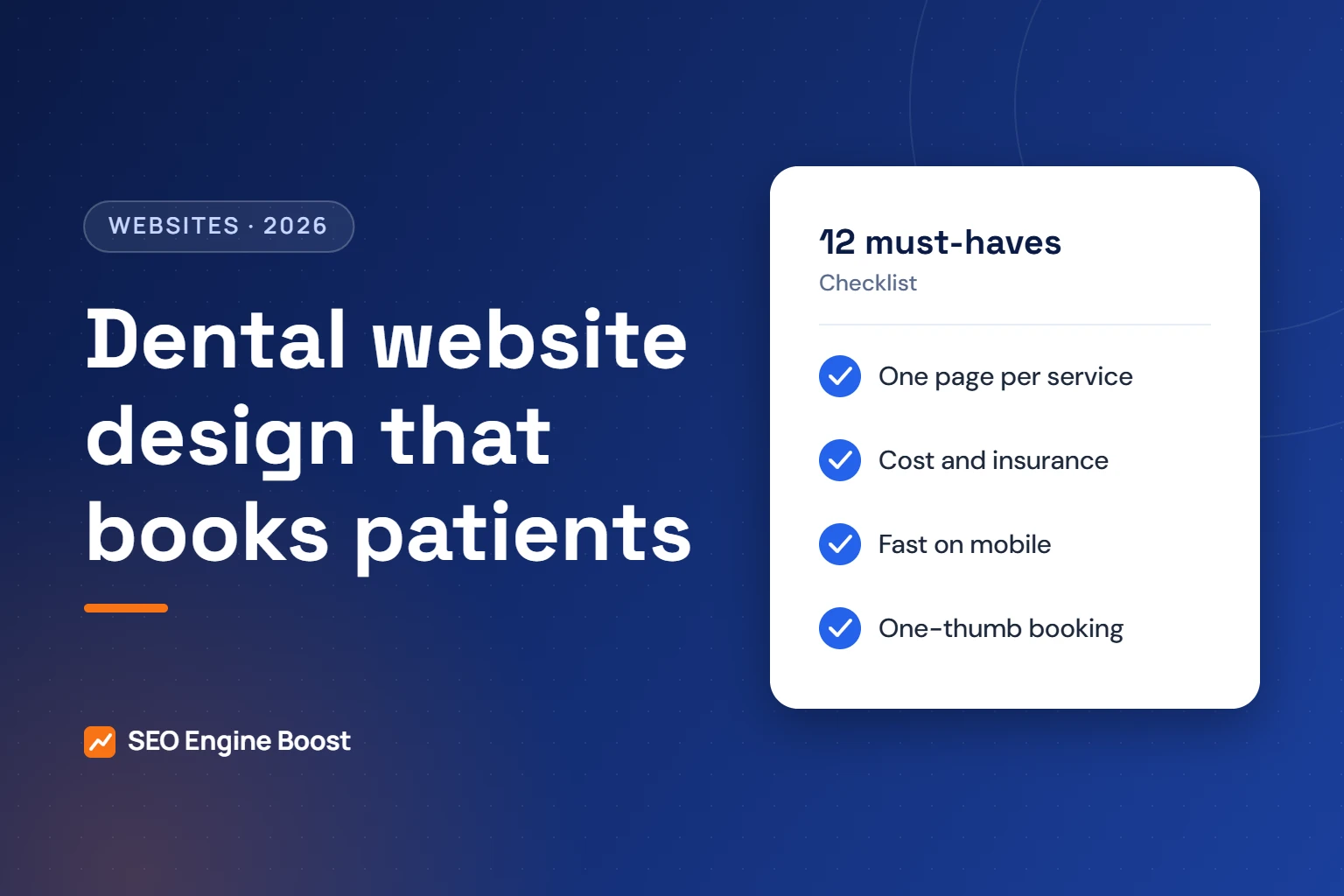
Dental Website Design: 12 Must-Haves That Turn Visitors Into Patients
Short answer: a dental website that brings patients does five jobs well: it shows up for the services you offer, loads fast on a phone, answers the questions patients ask first (cost, insurance, what to expect), proves you are trustworthy with real people and real reviews, and makes booking take seconds. Design matters, but these five decide whether a visitor becomes a patient.
By Dr. Mahmoud Elsheikh, a dentist completing an MSD in Orthodontics · Updated
In our 2026 study of 30 orthodontic homepages in the 10 largest US cities, every site had a way to request a visit, but only 5 of 30 showed any treatment cost and half had no business structured data. The same gaps appear on many general dental sites. The checklist below starts with them.
The 12 must-haves of a dental website that converts
1. A clear promise above the fold
Within a few seconds a visitor should know what you do, where you are and how to book. One headline, one line of support, a tap-to-call button and a booking button.
2. One page per service
Implants, emergency care, Invisalign, cleanings, whitening and pediatric visits each deserve their own page, written for the person searching. This is also how you rank: Whitespark’s 2026 survey rated a dedicated page per service as the top local organic factor.
3. Honest cost and insurance information
List insurance plans you accept, payment options and typical cost ranges with what affects them. Patients compare practices on this before they call.
4. A booking path that works with one thumb
A short form (name, phone, reason, preferred time), a visible phone number and online scheduling if you use it. Test it on your own phone every month.
5. Fast pages
Aim for Google’s “good” Core Web Vitals: Largest Contentful Paint of 2.5 seconds or less, Interaction to Next Paint of 200 milliseconds or less, and Cumulative Layout Shift of 0.1 or less. Compress images, avoid heavy sliders and load chat widgets late.
6. Real photos of real people
Your team, your office, your front desk. Stock photos of strangers in white coats build less trust, and a stock photo with someone else’s name on the coat can mislead patients.
7. Doctor bios with accurate credentials
Education, memberships and what each doctor focuses on. Describe credentials exactly as your state dental board allows.
8. Reviews shown honestly
Embed or link to your Google reviews. Do not edit, filter or invent testimonials, and do not mark up your own testimonials as review stars: Google does not show stars for reviews a business controls about itself.
9. A first-visit page
What happens at the first appointment, how long it takes, what to bring, parking and accessibility. It reduces no-shows and nervous phone calls.
10. Location details that match everywhere
The same name, address and phone as your Business Profile, a map, directions and a page for each office if you have several.
11. Structured data
Dentist or LocalBusiness markup with address, hours, phone and doctors, plus FAQ markup on genuine FAQs. It helps search engines and AI assistants read your details correctly.
12. Privacy-safe tracking
Measure calls and forms by source without sending health details to ad platforms. Read tracking pixels and patient privacy.
Pages every dental website needs
A dental site wins searches page by page. Each service patients search for needs its own page, not a line in a list. This is the minimum structure we recommend:
| Page | Why it matters | Must include |
|---|---|---|
| Home | Brand searches and first impressions | Location, services, booking button, real team photo |
| One page per service (implants, Invisalign, crowns, emergency, cleanings, whitening) | Each service has its own search and its own patient questions | What it is, who it suits, steps, cost range or financing, FAQ |
| New patients / first visit | Reduces no-shows and nervous calls | What to bring, how long it takes, parking, forms |
| Insurance and financing | The question most patients ask before calling | Plans accepted, payment options, how estimates work |
| Doctor and team bios | Trust for patients and for Google’s quality systems | Credentials, photos, languages spoken |
| Reviews | Social proof | Real reviews with permission; never edited or invented |
| Contact and location | Maps visibility and directions | Address, phone, hours matching your Google Business Profile, map |
For how these pages rank in Google Maps, see local SEO for dentists.
Custom design, dental template platform or DIY builder?
| Option | Strengths | Watch out for |
|---|---|---|
| Custom site on WordPress or similar | Full control of content, speed and structure; you can move hosts or agencies | Needs a clear brief and someone to maintain it |
| Dental template platform | Fast launch, dental-ready layouts | Who owns the domain and content if you leave; shared, generic copy across many practices |
| DIY website builder | Low cost, easy edits | Slow pages, limited structured data, weak service pages |
Whatever you choose, make sure the domain, hosting login and analytics are in the practice’s name. We explain why in own your practice website.
Speed, accessibility and privacy basics
- Speed: aim for Google’s “good” Core Web Vitals: Largest Contentful Paint within 2.5 seconds, Interaction to Next Paint under 200 milliseconds and Cumulative Layout Shift under 0.1. Compress images and limit chat widgets and sliders on mobile.
- Accessibility: readable contrast, alt text on images, keyboard-usable menus and forms, and captions on video. Our website accessibility guide covers the WCAG basics.
- Privacy: keep tracking pixels off pages where patients enter health details, and get written consent before publishing patient photos.
How to brief a dental web designer
- List the five services you most want more of, in order.
- Share your Google Business Profile, insurance list and financing options so the site matches them.
- Ask for one page per service, with the patient questions each one answers.
- Agree on speed targets and who adds structured data.
- Confirm in writing that you own the domain, hosting, content and analytics.
- Ask how calls and form requests will be tracked by source.
If you want this done for you, see our website design service and how it connects to dental SEO.
Redesign or repair?
Many sites improve a lot with new service pages, faster images, schema and a clearer booking path. A rebuild makes sense when the platform is slow, cannot be edited, or is owned by a vendor instead of you. If you do rebuild, keep your old URLs or redirect them one to one, or you risk losing the rankings you already have. See why you should own your practice website and common website mistakes.
Check your own site in ten minutes
- Open your homepage on your phone. Can you call or book within one tap?
- Search your main service plus your city. Does a page on your site answer it directly?
- Find your prices or payment options. How many taps did it take?
- Run your homepage through Google’s PageSpeed Insights.
- Compare your address and phone on the site and on Google Maps.
Prefer a second opinion? Our free growth audit checks all twelve by hand, and our website design service builds sites around them.
A new website only pays off when people can find it. Our dental SEO company builds the pages, structure and local signals that help a practice site rank.
Want this done for your practice? We can put this into practice for you as part of our dental marketing services. Start with a free growth audit or see our published prices.
Frequently asked questions
What should a dental website include?
Service pages for each treatment, cost and insurance information, a fast mobile booking path, real team photos, doctor bios, honest reviews, a first-visit page, matching location details, structured data and privacy-safe tracking.
How much does a dental website cost?
It ranges widely, from template platforms with a monthly fee to custom builds. Ask what you will own, how fast the site will be on mobile and whether service pages and SEO basics are included.
How often should a dental website be redesigned?
Not on a fixed schedule. Improve it continuously and rebuild only when the platform is slow, hard to edit or not owned by you.
Do dental websites need SEO after launch?
Yes. Launch is the starting line. Rankings come from ongoing service pages, reviews, local signals and links, measured by booked appointments.
Should a dental website use a template or a custom design?
Either can work. What matters is one page per service, fast mobile pages, accurate structured data and that the practice owns the domain, content and analytics. Ask a template provider what happens to your site if you leave.
Do dental websites need to be accessible?
Yes, accessibility helps patients with disabilities use your site and reduces legal risk. Aim for WCAG guidelines: readable contrast, alt text, keyboard-friendly menus and forms, and video captions.
Who should own a dental practice website?
The practice. Keep the domain, hosting login, website content, Google Business Profile and analytics in the practice’s name, with the agency added as a user.