Dental Website Design: 12 Must-Haves That Turn Visitors Into Patients
Short answer: a dental website that brings patients does five jobs well: it shows up for the services you offer, loads fast on a phone, answers the questions patients ask first (cost, insurance, what to expect), proves you are trustworthy with real people and real reviews, and makes booking take seconds. Design matters, but these five decide whether a visitor becomes a patient.
By Dr. Mahmoud Elsheikh, a dentist completing an MSD in Orthodontics · Updated
In our 2026 study of 30 orthodontic homepages in the 10 largest US cities, every site had a way to request a visit, but only 5 of 30 showed any treatment cost and half had no business structured data. The same gaps appear on many general dental sites. The checklist below starts with them.
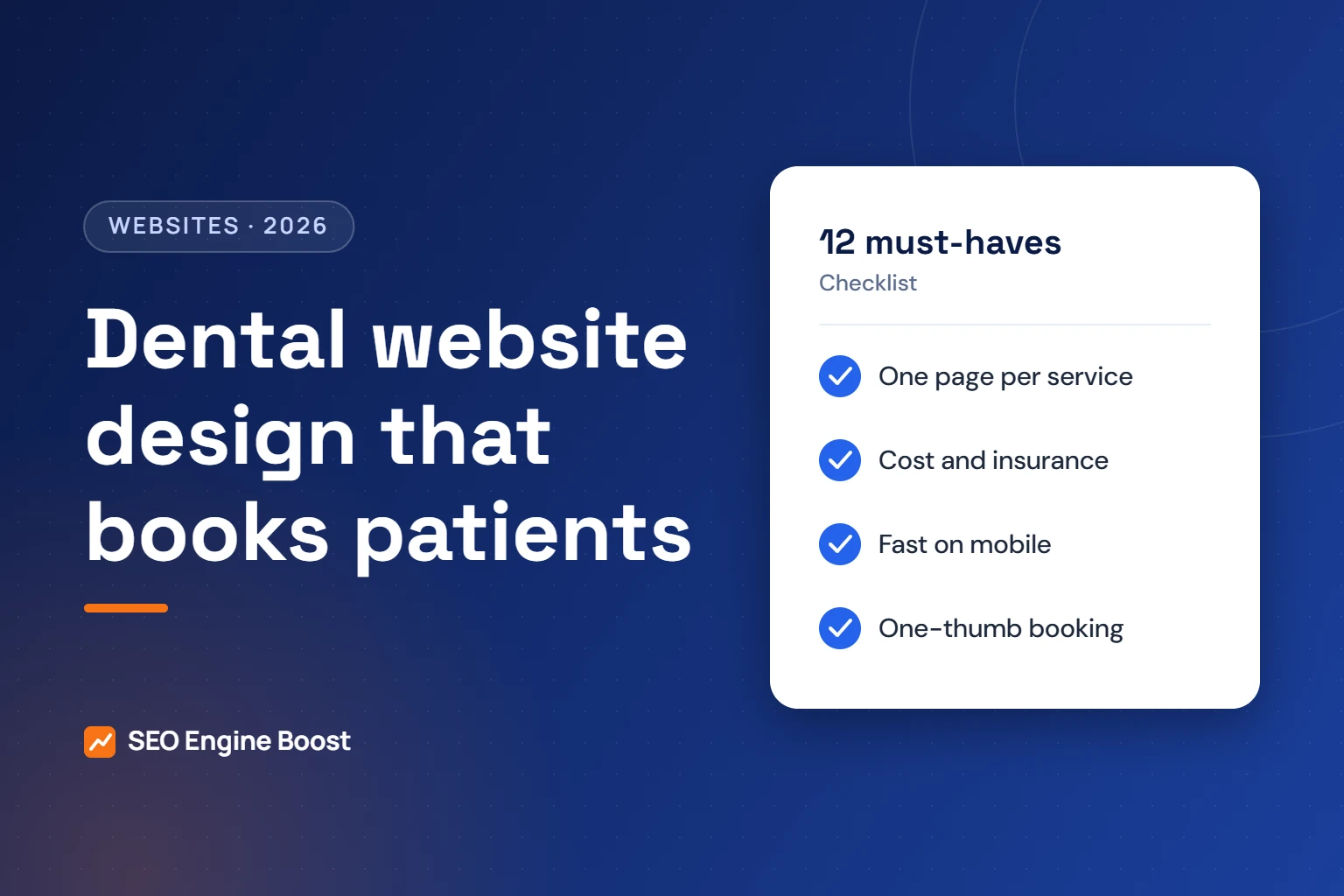
The 12 must-haves of a dental website that converts
1. A clear promise above the fold
Within a few seconds a visitor should know what you do, where you are and how to book. One headline, one line of support, a tap-to-call button and a booking button.
2. One page per service
Implants, emergency care, Invisalign, cleanings, whitening and pediatric visits each deserve their own page, written for the person searching. This is also how you rank: Whitespark’s 2026 survey rated a dedicated page per service as the top local organic factor.
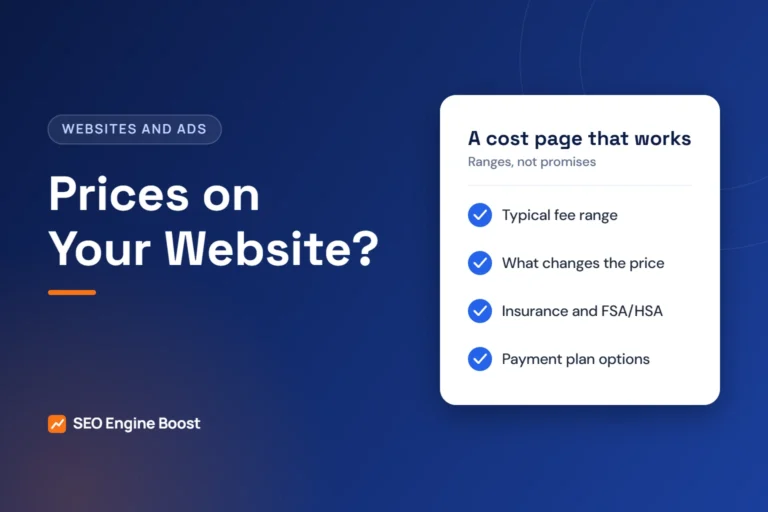
3. Honest cost and insurance information
List insurance plans you accept, payment options and typical cost ranges with what affects them. Patients compare practices on this before they call.
4. A booking path that works with one thumb
A short form (name, phone, reason, preferred time), a visible phone number and online scheduling if you use it. Test it on your own phone every month.
5. Fast pages
Aim for Google’s “good” Core Web Vitals: Largest Contentful Paint of 2.5 seconds or less, Interaction to Next Paint of 200 milliseconds or less, and Cumulative Layout Shift of 0.1 or less. Compress images, avoid heavy sliders and load chat widgets late.
6. Real photos of real people
Your team, your office, your front desk. Stock photos of strangers in white coats build less trust, and a stock photo with someone else’s name on the coat can mislead patients.
7. Doctor bios with accurate credentials
Education, memberships and what each doctor focuses on. Describe credentials exactly as your state dental board allows.
8. Reviews shown honestly
Embed or link to your Google reviews. Do not edit, filter or invent testimonials, and do not mark up your own testimonials as review stars: Google does not show stars for reviews a business controls about itself.
9. A first-visit page
What happens at the first appointment, how long it takes, what to bring, parking and accessibility. It reduces no-shows and nervous phone calls.
10. Location details that match everywhere
The same name, address and phone as your Business Profile, a map, directions and a page for each office if you have several.
11. Structured data
Dentist or LocalBusiness markup with address, hours, phone and doctors, plus FAQ markup on genuine FAQs. It helps search engines and AI assistants read your details correctly.
12. Privacy-safe tracking
Measure calls and forms by source without sending health details to ad platforms. Read tracking pixels and patient privacy.
Redesign or repair?
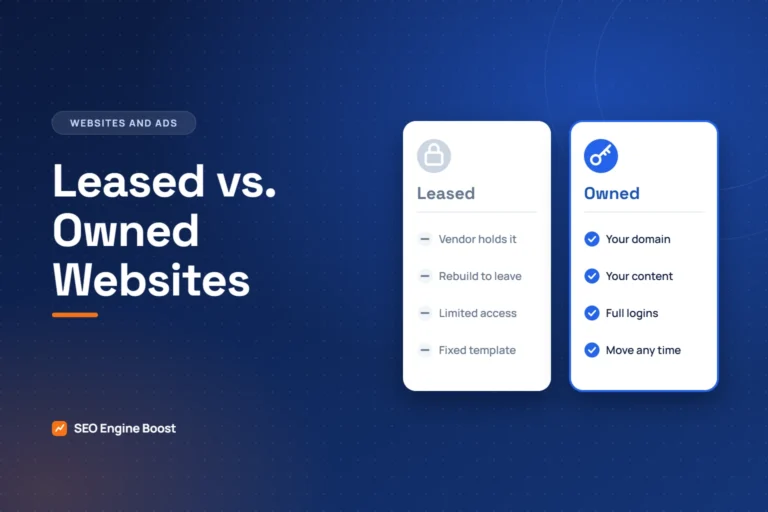
Many sites improve a lot with new service pages, faster images, schema and a clearer booking path. A rebuild makes sense when the platform is slow, cannot be edited, or is owned by a vendor instead of you. If you do rebuild, keep your old URLs or redirect them one to one, or you risk losing the rankings you already have. See why you should own your practice website and common website mistakes.
Check your own site in ten minutes
- Open your homepage on your phone. Can you call or book within one tap?
- Search your main service plus your city. Does a page on your site answer it directly?
- Find your prices or payment options. How many taps did it take?
- Run your homepage through Google’s PageSpeed Insights.
- Compare your address and phone on the site and on Google Maps.
Prefer a second opinion? Our free growth audit checks all twelve by hand, and our website design service builds sites around them.
A new website only pays off when people can find it. Our dental SEO company builds the pages, structure and local signals that help a practice site rank.
Frequently asked questions
What should a dental website include?
Service pages for each treatment, cost and insurance information, a fast mobile booking path, real team photos, doctor bios, honest reviews, a first-visit page, matching location details, structured data and privacy-safe tracking.
How much does a dental website cost?
It ranges widely, from template platforms with a monthly fee to custom builds. Ask what you will own, how fast the site will be on mobile and whether service pages and SEO basics are included.
How often should a dental website be redesigned?
Not on a fixed schedule. Improve it continuously and rebuild only when the platform is slow, hard to edit or not owned by you.
Do dental websites need SEO after launch?
Yes. Launch is the starting line. Rankings come from ongoing service pages, reviews, local signals and links, measured by booked appointments.