Schema Markup for Orthodontic Practices: What to Add
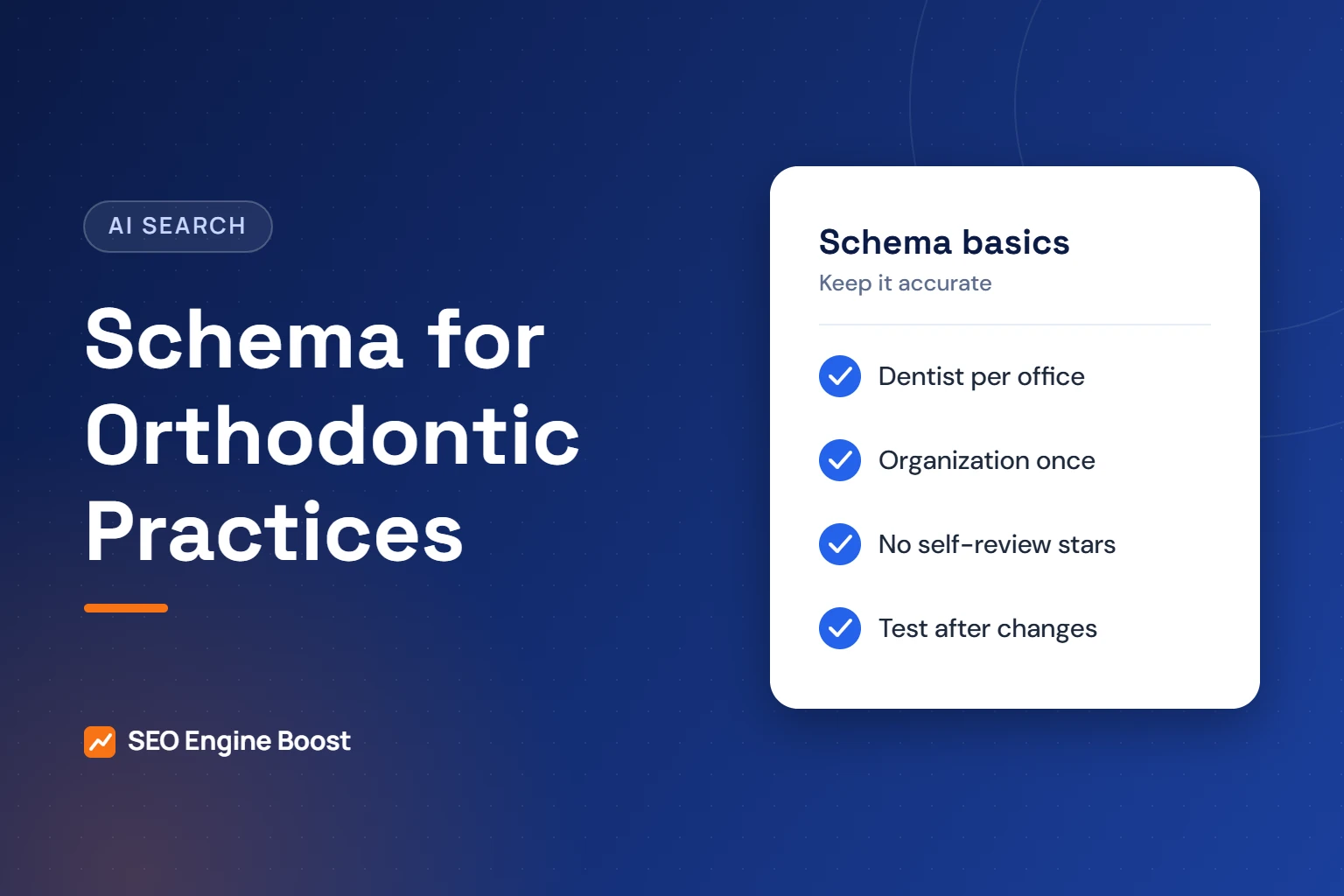
Most orthodontic practices need only two kinds of schema: Dentist markup for each office and Organization details for the practice. There is no Orthodontist type in schema.org. Schema helps search engines read your facts. It does not guarantee rich results, and a 2026 Ahrefs test found it did not raise AI citations.
This guide explains which types to use, which properties matter, and the common mistakes that waste time or break Google’s rules. It also covers what changed in 2026, when Google stopped showing FAQ rich results.
Key takeaways
- Use the Dentist type for each office. schema.org lists Dentist under LocalBusiness, MedicalBusiness and MedicalOrganization.
- Mark up each location separately with its own name, address and phone.
- Do not add review stars for your own practice. Google says self-controlled reviews are ineligible for star results.
- FAQ rich results stopped showing in Google Search on May 7, 2026. Keep FAQs for readers, not for markup.
In this article
- What schema markup does, and what it does not
- There is no Orthodontist type, so use Dentist
- Which schema types an orthodontic site needs
- The properties that matter for each office
- Marking up multiple locations
- Review stars: the rule most practices miss
- FAQ markup after 2026
- Schema and AI search: keep expectations realistic
- Common schema mistakes on orthodontic sites
- How to add, test and maintain schema
- Frequently asked questions
What schema markup does, and what it does not
Schema markup is code that describes your page in a format machines can read. A common format is JSON-LD, a block of code in the page source. Patients never see it.
Google says Local Business markup can tell it about your hours, departments and other details. That can support features such as knowledge panels. Google also says it does not guarantee those features will appear.
Here is what schema can and cannot do for a practice, based on Google’s documentation and recent tests:
| Schema can | Schema cannot |
|---|---|
| Describe your offices, hours and phone numbers clearly | Guarantee a rich result or knowledge panel |
| Help Google identify your practice and logo | Replace a complete Google Business Profile |
| Connect your website to your other profiles with sameAs links | Fix thin or inaccurate page content |
| Make some pages eligible for certain search features | Reliably increase AI citations, per a May 2026 Ahrefs test |
Think of schema as housekeeping. It keeps your facts tidy. It is not a ranking shortcut.
There is no Orthodontist type, so use Dentist
schema.org, the shared vocabulary that search engines use, does not have an Orthodontist type. Its Dentist page lists no subtypes.
The Dentist type sits in several branches of the hierarchy. It is a kind of LocalBusiness, a kind of MedicalBusiness and a kind of MedicalOrganization. That makes it the most specific fit for an orthodontic office.
Some practice sites use the broader MedicalBusiness type instead. It is valid, but it says less. Google’s Local Business guidance asks you to use the most specific subtype available, and for an orthodontic office that is Dentist.
Google Business Profile categories are a separate system. Choosing a category in your Business Profile does not change your schema, and schema does not change your profile. Our guide to Google Business Profile categories for orthodontists covers that side.
Use the practice’s real name in the name property. Do not stuff it with keywords such as city names or treatment names unless they are part of your legal or trading name.
Which schema types an orthodontic site needs
The table below is agency guidance on priorities. It uses only types that schema.org and Google document.
| Schema type | Where it goes | What it describes | Priority |
|---|---|---|---|
| Dentist | Each office or location page | Name, address, phone, hours, map position | High |
| Organization | Home page or About page, once | Practice name, logo, website, social profiles | High |
| FAQPage | Pages with visible FAQs | Questions and answers | Low since May 2026 |
| Review or AggregateRating | Not on your own practice pages | Third-party review data | Do not use for self-reviews |
Google says to place Organization markup on your home page or one page that describes the organization, such as an About page. It does not need to be on every page.
The sameAs property is worth filling in. Google describes it as links to other pages about your organization, such as social media or review profiles. List only profiles you control and keep active.
The properties that matter for each office
Google lists two required properties for Local Business markup: name and address. It recommends several more. Here is how they apply to an orthodontic office.
| Property | Example value | Notes |
|---|---|---|
| @type | Dentist | The most specific fitting type |
| name | Example Family Orthodontics | Required. Match your signage and Business Profile |
| address | Street, city, state, ZIP | Required. Include as many address fields as possible |
| geo | Latitude and longitude | Google recommends at least five decimal places |
| telephone | Main office number | Use the same number as your listings |
| url | The location page address | One URL per office |
| openingHoursSpecification | Days, open and close times | Can include seasonal dates |
| image and logo | Office photo and practice logo | Google’s logo minimum is 112×112 pixels |
| sameAs | Business Profile, Facebook, Instagram | Links to other pages about the practice |
The example values are placeholders. Every value must match what patients see on the page and in your listings.
Marking up multiple locations
Google’s guidance for businesses with several locations is simple. Mark up each location as its own Local Business. For an orthodontic group, that means one Dentist block on each location page. The points below are agency guidance.
- One page per office. Each location page carries the markup for that office only.
- Unique details. Each block has its own address, phone, hours and map position.
- No combined list on the home page. Use Organization markup there instead, describing the practice as a whole.
- Consistent naming. Use the same naming pattern across locations, matching each Business Profile.
Location pages need real content, too. Markup on a thin page does not make it useful. Our SEO for orthodontic groups service covers location pages and schema together.
Not sure your schema is right?
We can review your markup, location pages and Business Profiles and show what to fix first.
Review stars: the rule most practices miss
Many website widgets add review markup automatically. For a practice website, that markup will not earn stars in Google.
Google’s review snippet guidelines are clear. When an entity controls the reviews about itself, its pages with LocalBusiness or Organization markup are ineligible for star results. Google’s example includes reviews shown through an embedded widget, such as a Google Business or Facebook reviews widget.
Check your site for this now. Plugins and review widgets can add rating code without anyone noticing. Removing it does not affect the reviews themselves.
Your Google reviews still matter. They appear on your Business Profile, not as stars on your own pages. Our guide on how to get more Google reviews covers the ethical way to earn them.
FAQ markup after 2026
Google retired FAQ rich results in 2026. Its documentation updates page records two changes:
- On May 8, 2026, Google added a notice that FAQ results would no longer appear in Search from May 7, 2026.
- On June 15, 2026, Google removed the FAQ rich result documentation, noting the feature is no longer shown.
FAQ sections are still useful on treatment pages. Parents and adult patients want quick answers about time, cost and comfort. Write them for readers. Existing FAQPage markup no longer produces the expanded result in Google.
Schema and AI search: keep expectations realistic
Some vendors claim schema is the key to AI answers. The best evidence so far says otherwise.
In May 2026, Ahrefs published a matched test of 1,885 pages that added JSON-LD and 4,000 control pages that did not. Citations changed by -4.6% in AI Overviews, +2.4% in AI Mode and +2.2% in ChatGPT. Ahrefs said only the AI Overviews change was statistically significant, and it may not have been caused by schema.
Ahrefs notes limits. The test only covered pages that were already heavily cited, and it measured 30 days after the change. Even so, schema is not a reliable lever for AI visibility. Content, listings and reviews matter more. See our guide to Google AI Overviews for orthodontists for what Google says helps.
Common schema mistakes on orthodontic sites
These are the problems we see most often when reviewing practice websites. This list is agency guidance, not a study.
- Facts that do not match the page. Markup lists hours or a phone number that the visible page does not show, or shows differently.
- Old details after a change. The office moved or changed hours, but the markup still has the old values.
- Duplicate blocks. A theme and a plugin both add markup, so the page describes the practice twice with different details.
- Every office on every page. All locations are marked up on the home page instead of on their own pages.
- Keyword-stuffed names. The name field reads like a search phrase instead of the practice name.
- Automatic review markup. A review widget adds rating code that Google will not use for stars.
Each of these is easy to fix once you know where the code comes from. Ask your developer which theme, plugin or script outputs each block before changing anything.
How to add, test and maintain schema
Follow these steps whether you build the markup yourself or ask your web developer.
- List your facts. Write down each office’s name, address, phone, hours and profile links.
- Add Organization markup once. Place it on the home page or About page.
- Add Dentist markup to each location page. Use only facts shown on that page.
- Remove self-review markup. Check widgets and plugins for automatic review code.
- Test the page. Google recommends the Rich Results Test, then the URL Inspection tool after you publish.
- Update when facts change. New hours, a new phone number or a move should be updated in the markup the same day.
Schema is one small part of a sound technical setup. Our orthodontic SEO service includes structured data, along with the content and local work that matter more.
Frequently asked questions
Is there an Orthodontist schema type?
No. schema.org does not have an Orthodontist type, and its Dentist type lists no subtypes. Use Dentist for each orthodontic office. It is a kind of LocalBusiness, MedicalBusiness and MedicalOrganization. Google Business Profile has its own category list, which is a separate system from schema markup on your website.
Will schema markup help my practice rank higher?
Do not expect a ranking boost. Google says structured data helps it understand your page and can make it eligible for certain features, with no guarantee they will appear. Schema keeps your office details clear and consistent. Rankings depend far more on useful content, a complete Business Profile, reviews and local relevance.
Does schema help my practice appear in ChatGPT or AI Overviews?
The evidence says not much. A May 2026 Ahrefs test of 1,885 pages found that adding schema did not meaningfully raise citations in AI Overviews, AI Mode or ChatGPT. The test only covered pages that were already well cited. Accurate content, listings and reviews remain better uses of your time.
Can we show review stars from our own website?
Not in Google results. Google’s guidelines say that when a business controls the reviews about itself, its LocalBusiness or Organization pages are ineligible for star results. That includes reviews shown through an embedded widget, such as a Google Business reviews widget. Your Google reviews still show on your Business Profile.
Should we remove FAQPage markup now?
We see no urgent need. Google stopped showing FAQ rich results on May 7, 2026, so the markup no longer earns the expanded result. Keep your visible FAQ sections, because patients use them. Remove or keep the markup when you next update the page, and check that answers still match your current policies.
Sources
- Schema.org: Dentist
- Google Search Central: Local Business (LocalBusiness) structured data (last updated Sep 8, 2026)
- Google Search Central: Organization (Organization) structured data
- Google Search Central: Review snippet (Review, AggregateRating) structured data
- Google Search Central: Latest Google Search documentation updates (FAQ rich result removal, May and June 2026)
- Ahrefs: We Tracked 1,885 Pages Adding Schema. AI Citations Barely Moved. (May 11, 2026)
Keep reading
See where your practice stands
If you would like a second pair of eyes on your own practice, we offer a free growth audit: a manual review of your local visibility, website, reviews and content, with a prioritized list of what to fix first.