Call Tracking for Orthodontists Without Hurting Local SEO
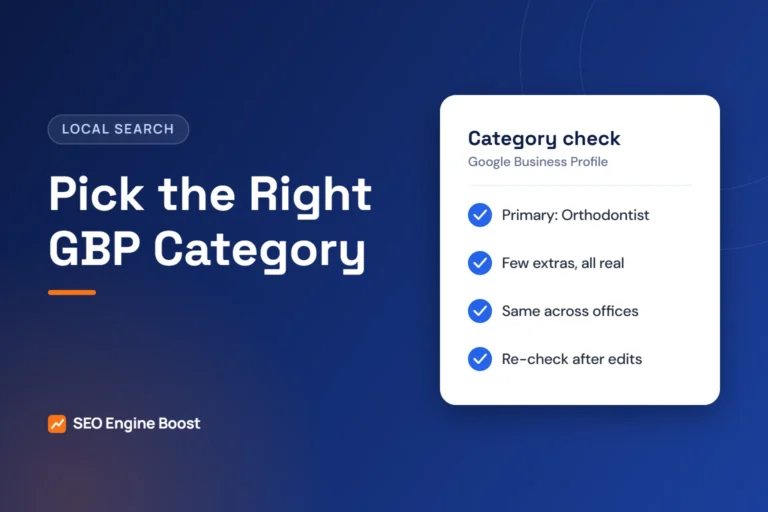
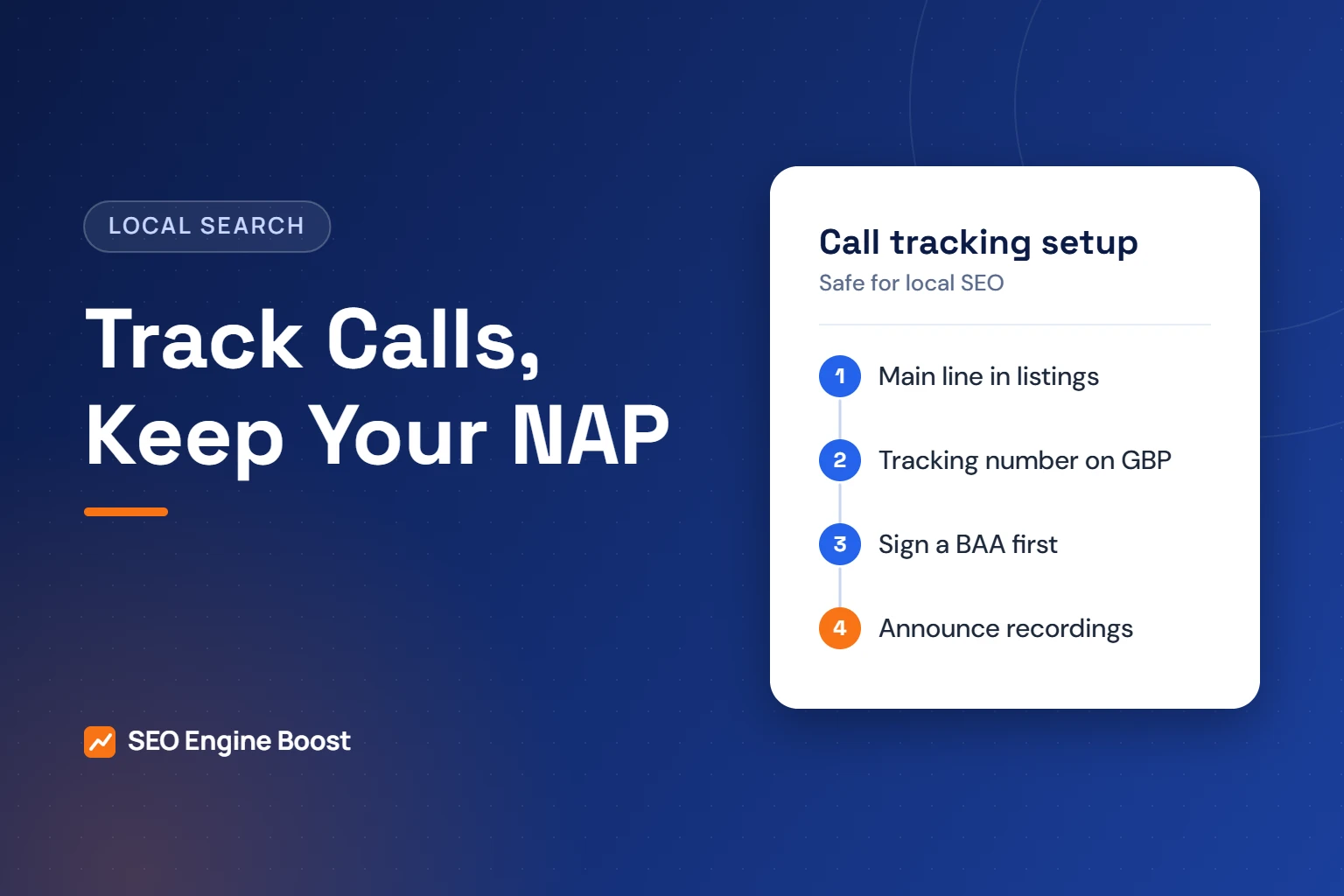
Call tracking for orthodontists works with one simple rule. Keep your main office number in directories and your core contact details. Use tracking numbers only where you need channel data. On Google Business Profile, set the tracking number as the primary phone and your main number as an additional phone.
When a new patient calls, you want to know what prompted the call. Without tracking, you cannot tell which channel made the phone ring. This guide shows where each number belongs, how to set it up step by step, and how to handle recordings, privacy and consent.
Key takeaways
- Use a local tracking number as the Business Profile’s primary phone, with the main number as an additional phone.
- Keep the main number in every directory, so your name, address and phone stay consistent.
- Recordings and transcripts can contain patient information. Use a vendor that signs a business associate agreement.
- Recording laws differ by state. Announce recording at the start of every call.
In this article
- What call tracking does
- The local SEO worry, and how to avoid it
- What Google’s guidelines require of your phone number
- Step-by-step setup
- Privacy: recordings, transcripts and HIPAA
- Call recording consent by state
- What to measure once calls are tracked
- Common call tracking mistakes
- Frequently asked questions
What call tracking does
Call tracking gives each marketing channel its own phone number. Every tracking number forwards to your office line, so calls ring as usual. The software logs which number was dialed, when and for how long.
There are two main types:
- Static numbers. One fixed number per channel, such as your Business Profile, a mailer or a referral card. Simple and reliable.
- Dynamic number insertion (DNI). Code on your website swaps the displayed number based on how the visitor arrived, such as from a Google ad. It shows which campaigns drive website callers.
Call tracking does not replace your phone system. It sits in front of it. Your team answers calls on the same phones, and the main office number keeps working for existing patients.
Most practices need a few static numbers and, if they run ads, DNI on the website. You rarely need dozens of numbers. More numbers mean more places for errors.
The local SEO worry, and how to avoid it
Local SEO depends on consistent name, address and phone details across the web. A tracking number scattered across directories breaks that consistency. Whitespark’s Darren Shaw notes that using tracking numbers in citations “was a hard no in the past.”
The modern approach keeps the main number everywhere except a few controlled places. Shaw calls a tracking number on your Business Profile “safe, and even recommended” when done correctly. Put the tracking number in the primary phone field and your real number in the first additional phone field. Google allows up to two phone numbers beyond the primary one.
| Where | Which number | Why |
|---|---|---|
| Google Business Profile, primary phone | A local tracking number | Measures calls from Maps and the local pack |
| Google Business Profile, additional phone | Main office number | Keeps the profile tied to your real number |
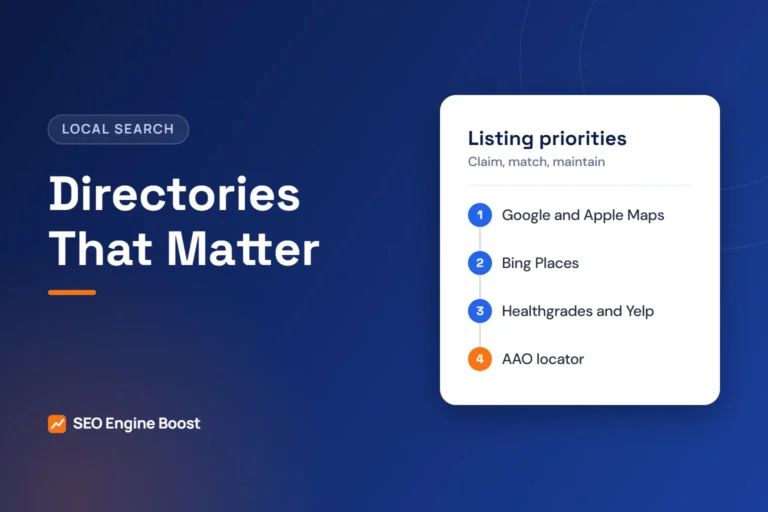
| Directories (Apple, Bing, Yelp, Healthgrades, AAO) | Main office number | Keeps listings consistent |
| Website header, footer and contact page | Main office number in the page; DNI for paid visitors only | Consistency for most visitors, data for ad clicks |
| Google Ads | A separate tracking number | Separates paid calls from organic |
| Mailers, signs and school events | A unique static number per campaign | Shows which offline efforts work |
| Referral pads for general dentists | Main number, or one dedicated static number | Keep it simple for referring offices |
That table is agency guidance built on Google’s rules and Whitespark’s advice. For more on listings, see our guide to orthodontic directory listings.
What Google’s guidelines require of your phone number
Google’s Business Profile guidelines set a few firm rules. Any tracking number you use must follow them.
- Connect to the location. Google asks for “a phone number that connects to your individual business location.”
- Use a local number. Use a local number “instead of a central call center helpline number whenever possible.”
- Stay in control. “The phone number must be under the direct control of the business.”
- No premium numbers. Premium-rate numbers are not acceptable.
- No referral numbers. Do not use numbers that redirect callers to a different business.
In practice, this means a local area code that matches your office, and an account the practice owns. If an agency leaves, the number and its history should stay with you. That is why every client owns their own accounts with us. Learn more about our local SEO for orthodontists.
Not sure where your practice stands? A free growth audit lists your top three fixes for Google, Maps and AI answers, in writing. Get a free growth audit · See our orthodontic marketing services
Step-by-step setup
Follow these steps in order. Do not skip the testing step at the end.
- Choose a vendor that supports healthcare. Confirm it will sign a business associate agreement before you create any numbers.
- Open the account in the practice’s name. Use a practice email address, not an agency login.
- List your channels. Typically: Business Profile, Google Ads, website organic, and any print or event campaigns.
- Buy local numbers. Pick numbers with your office’s area code. Avoid toll-free numbers on your Business Profile.
- Set forwarding. Point each number to the main office line. Test that caller ID and hold music work as expected.
- Update the Business Profile. Tracking number as primary, main number as the first additional phone.
- Install DNI if you run ads. Swap numbers only for paid visitors. Leave the main number for everyone else.
- Turn on the recording notice. If you record, play a short announcement on every tracked line.
- Test every number. Call each one from a mobile phone and confirm it rings, logs and reports correctly.
- Write it down. Keep a sheet listing every number, its channel, start date and owner.
Train the front desk to tag calls
Software can tell you which number rang. Only your team can tell you what the call was about. Agree on a few simple tags and use them on every call from a tracked number.
- New patient, consult booked. The outcome you most want to count.
- New patient, not booked. Note the reason, such as price, timing or insurance.
- Existing patient. Appointment changes, billing or questions. Exclude these from marketing reports.
- Other. Vendors, wrong numbers and spam.
Review the tags weekly for the first month. Gaps usually show up fast, and a short refresher fixes most of them.
Want help setting this up?
We can map your channels to tracking numbers, keep your listings consistent and keep every account in the practice’s name.
Privacy: recordings, transcripts and HIPAA
Callers often share health details, such as a child’s age, a treatment question or insurance information. Recordings, transcripts and call summaries can therefore hold protected health information. This is general information, not legal advice.
HHS guidance says regulated entities “must ensure that all tracking technology vendors have signed a BAA” before protected health information is disclosed to them. A BAA is a business associate agreement. A call tracking vendor that stores your recordings is likely in that position.
Some vendors publish healthcare plans for this purpose. For example, CallRail states that every Healthcare Plan includes a BAA, with plans starting at $150 per month. That is the vendor’s own claim, and we are not recommending a specific vendor. Ask any vendor for its BAA in writing.
A note on website tracking
DNI uses a script on your website. In June 2024, a federal court vacated part of HHS’s online tracking guidance for unauthenticated public pages. HHS still notes that tracking on pages such as appointment scheduling may involve protected health information. Our guide to tracking pixels and patient privacy explains the details.
- Limit who can listen to recordings. Give access only to staff who need it.
- Set a retention period and delete old recordings on schedule.
- Do not send call details, names or transcripts into ad platforms.
- Check with your compliance adviser before turning on AI call summaries.
Call recording consent by state
Federal law generally allows recording when one party to the call consents. Many states follow that rule. Others require consent from everyone on the call.
Justia’s 50-state survey, last reviewed in September 2024, lists California, Florida, Maryland, Massachusetts, New Hampshire, Pennsylvania and Washington as all-party consent states. It notes that several others, including Illinois, Connecticut and Nevada, have mixed or qualified rules.
Callers may phone from another state, so the simplest approach is to announce recording on every call. For example: “This call may be recorded for training and quality.” Check your own state’s law and talk to a lawyer about your exact setup.
What to measure once calls are tracked
Call counts alone do not show value. Connect calls to consults and starts. This table shows a simple monthly report.
| Metric | How to get it | What it tells you |
|---|---|---|
| Calls by channel | Tracking software report | Which channels make the phone ring |
| First-time callers | Tracking software, compared with your patient list | New patient demand by channel |
| Answered rate | Answered calls divided by all calls | Whether calls are being missed |
| Consults booked by channel | Front desk tags each new patient call | Which channels produce consults |
| Starts by channel | Practice software, matched to the first call | Which channels produce revenue |
If many calls go unanswered, fix that first. Our guide to orthodontic missed calls shows how to measure and close the gap. Then use our guide to measuring orthodontic marketing to tie calls to starts.
Common call tracking mistakes
- Tracking numbers in directories. This breaks name, address and phone consistency. Keep the main number there.
- A toll-free number on the Business Profile. Google asks for a local number whenever possible.
- The agency owns the account. If you part ways, you can lose the numbers and their call history.
- Recording without notice. This can break state consent laws.
- No BAA. Recordings and transcripts can hold patient information.
- Too many numbers. Each extra number is another thing to maintain and test.
- No tagging of new patients. Without it, existing patients calling about appointments inflate your marketing numbers.
A clean setup takes a little planning. It pays off every month in clearer decisions about where to spend.
Frequently asked questions
Will a call tracking number hurt my local SEO?
Not if you place it carefully. Keep your main number in every directory and on your website for most visitors. On your Business Profile, use a local tracking number as the primary phone and the main number as an additional phone. Whitespark calls this approach safe when done correctly.
Do we need a BAA with our call tracking vendor?
If the vendor records, transcribes or stores calls that include patient health details, you likely need one. HHS guidance says tracking technology vendors must sign a BAA before protected health information is disclosed to them. This is general information, not legal advice, so confirm with your compliance adviser.
Is it legal to record calls to our orthodontic office?
It depends on your state and the caller’s state. Federal law generally requires one party’s consent, but some states, such as California, Florida and Pennsylvania, require all parties to consent. The simplest safeguard is a short recording announcement on every tracked line. Check your state’s law with a lawyer.
Should we use a toll-free number for tracking?
Not on your Business Profile. Google’s guidelines ask for a local number instead of a central call center helpline whenever possible. Use local numbers with your office’s area code for the profile and the website. A toll-free number can still work for a broad print or radio campaign if you prefer.
How many tracking numbers does a practice need?
Usually only a handful. Most practices need one for the Business Profile, one or a small pool for website ads, and one per major offline campaign. Each number should forward to the main office line. Fewer numbers are easier to test, maintain and keep out of directories by mistake.
Can we keep our main office number after adding call tracking?
Yes. Tracking numbers forward to the line you already use, so patients still reach the same front desk. Your main number stays on your website, signage and directories. Google Business Profile lets you add up to two additional phone numbers besides the primary one, which is how the main number stays attached to the profile when a tracking number is listed as primary.
How do we track calls that come from Google Ads?
Google Ads has its own call reporting. It assigns a Google forwarding number to call assets and call ads, and website call conversion tracking shows a Google forwarding number to visitors who arrived from your ads, linking their calls to the ad. If you already use a third-party call tracking tool, you can import those calls into Google Ads instead. Pick one method so calls are not counted twice.
What happens to our tracking numbers if we switch vendors?
Ask before you sign. The FCC says that if you switch service providers and stay in the same geographic area, you can keep your existing phone number, and the old company cannot refuse to port it. Confirm in writing that your vendor’s numbers can be ported out, how long porting takes, and that the account and call history can be exported to the practice.
Will dynamic number insertion change the phone number Google sees on our site?
It should not, if it is set up carefully. As agency guidance, configure dynamic number insertion to swap the number only for visitors from a tracked source, such as ads, and keep your main number in the page HTML, footer and schema markup. That keeps your website’s phone matching your Business Profile. After installing the script, test several pages to confirm the main number appears by default.
Sources
- Whitespark, Darren Shaw: Can You Use a Call Tracking Number in Google My Business? (updated October 28, 2024)
- Google Business Profile Help: Guidelines for representing your business on Google
- Google Business Profile Help: Add your phone number
- HHS: Use of Online Tracking Technologies by HIPAA Covered Entities and Business Associates (court order noted June 20, 2024)
- Justia: Recording Phone Calls and Conversations, 50-State Survey (September 2024)
- CallRail (vendor page): Call Tracking for Healthcare
Keep reading
See where your practice stands
If you would like a second pair of eyes on your own practice, we offer a free growth audit: a manual review of your local visibility, website, reviews and content, with a prioritized list of what to fix first.
Try it with your own numbers: use our free missed call revenue calculator to estimate what unanswered calls cost each month.