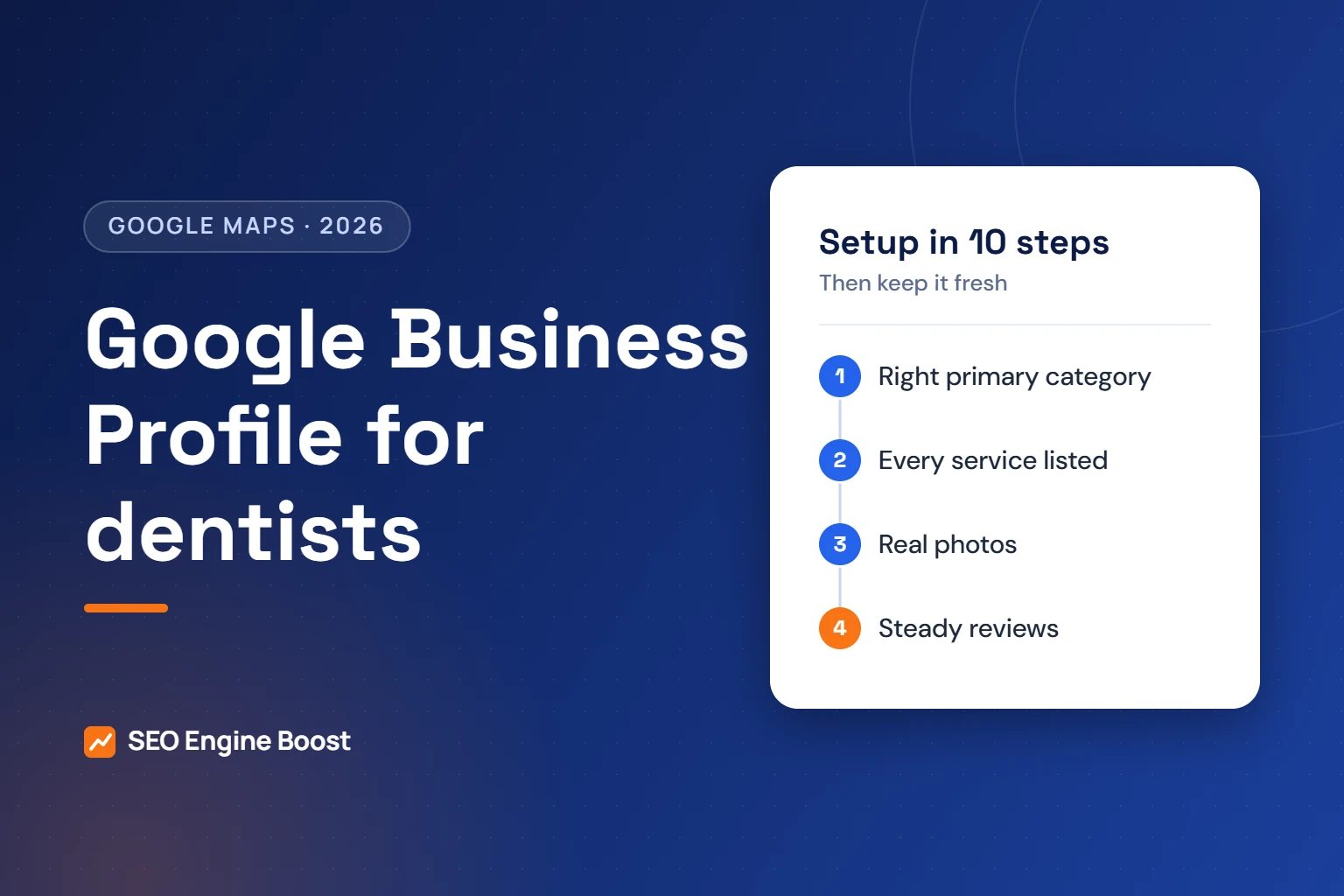
Google Business Profile for Dentists: Setup and Optimization Guide (2026)
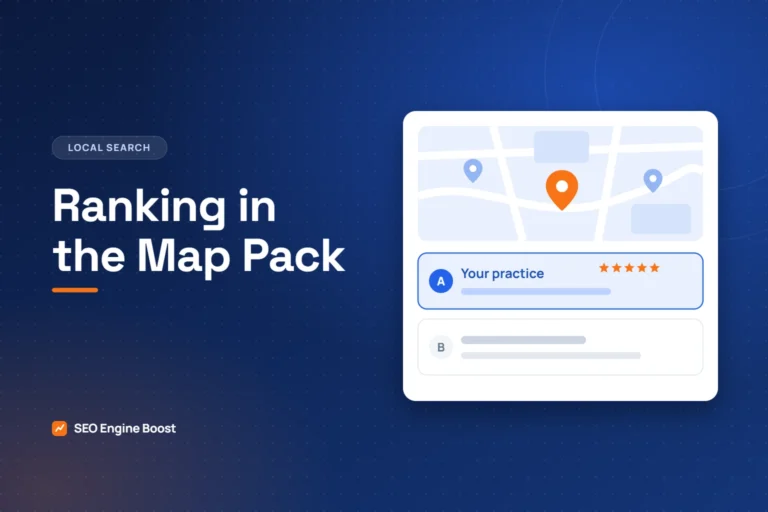
Short answer: to get a dental practice into Google’s map results, verify your Google Business Profile, choose the most accurate primary category (Dentist, Pediatric dentist, Orthodontist and so on), list every service, keep hours and photos current, collect genuine reviews steadily and reply to them, and make your name, address and phone match your website and directories. Google says local results are based mainly on relevance, distance and prominence.
By Dr. Mahmoud Elsheikh, a dentist completing an MSD in Orthodontics · Updated
Why the Business Profile matters more than any other page
When someone searches “dentist near me” or “emergency dentist”, the map pack usually appears before the regular results. In Whitespark’s 2026 Local Search Ranking Factors survey, the primary Business Profile category was rated the single most important factor for map rankings. Your profile is often the first thing a patient sees, before your website.
Step-by-step setup
- Claim or create the profile at business.google.com with the practice’s real name, exactly as on your signage.
- Verify it. Google offers video, phone, email or postcard verification depending on the business.
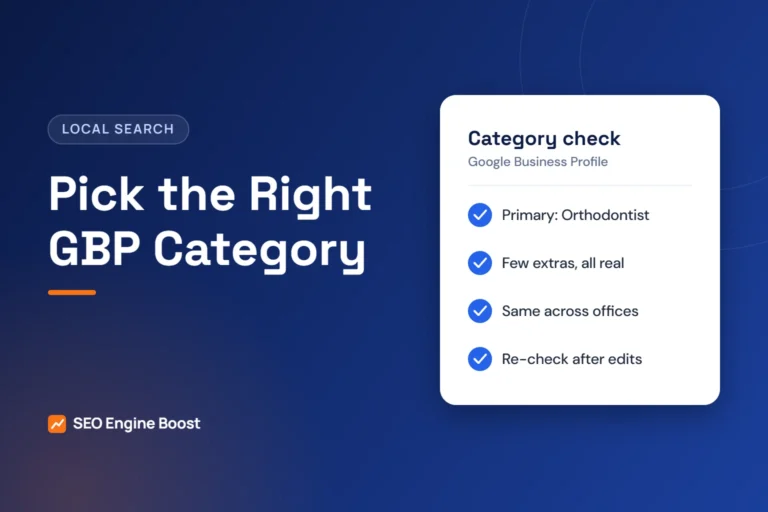
- Choose the primary category carefully. Use the one that best describes the whole practice. Google asks for the fewest categories that describe your core business, and not to use categories as keywords.
- Add secondary categories only where they are genuinely true (for example Cosmetic dentist or Emergency dental service).
- List services one by one: cleanings, fillings, implants, Invisalign, whitening, emergency care and so on.
- Set accurate hours, including holiday hours, and keep them updated.
- Add a booking link with tracking parameters so you can see bookings from the profile in analytics.
- Write the description in plain language: who you treat, what you offer, languages spoken. No “best” claims or keyword lists.
- Upload real photos: exterior (so patients find the door), reception, treatment rooms and the team.
- Add attributes such as wheelchair accessibility, languages and online appointments where accurate.
Reviews: the ongoing work
BrightLocal’s 2026 survey found 68% of consumers will only use a business rated four stars or higher, and 47% will not use one with fewer than 20 reviews. Ask every patient after their visit with a short link. Do not offer incentives, and do not ask only patients you expect to be happy. Reply to every review without confirming the person is a patient or mentioning treatment details. Our review reply generator drafts HIPAA-aware replies, and our guide to getting more Google reviews covers the request process.
Weekly and monthly upkeep
| How often | Task |
|---|---|
| Weekly | Reply to new reviews; answer new questions in the Q&A |
| Monthly | Add fresh photos; post an update; check hours and services |
| Quarterly | Compare your details with Apple Maps, Bing, Yelp and dental directories; fix any mismatch |
| After any change | Update the profile the same day (new doctor, new service, new hours) |
Common Business Profile mistakes in dental practices
- Primary category set to a general category when a more specific one fits.
- Keywords or city names stuffed into the business name, which breaks Google’s guidelines.
- Duplicate listings for the same office or for individual doctors without clear rules.
- No photos of the outside, so new patients cannot find the entrance.
- Unanswered reviews, or replies that reveal patient details.
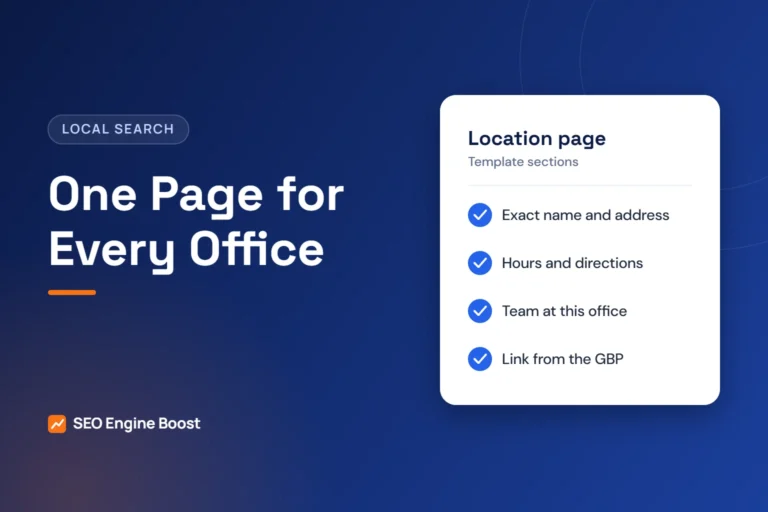
- A website link to the homepage instead of the location page for multi-office practices.
Check your profile in five minutes
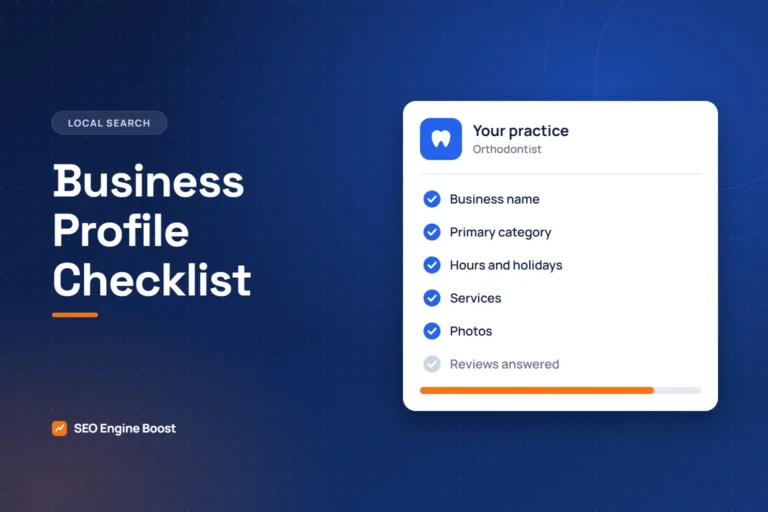
Use our free Google Business Profile checker and the Business Profile checklist. If you have several offices, see SEO for multi-location groups. For hands-on help, our local SEO for dentists service manages the profile for you.
A strong profile works best with a site that backs it up. See how our dental SEO company connects your Google Business Profile, service pages and reviews.
Frequently asked questions
What category should a dentist choose on Google Business Profile?
Choose the primary category that best describes the whole practice, such as Dentist, Pediatric dentist, Orthodontist, Periodontist or Endodontist. Add secondary categories only where they are genuinely true.
How long does it take for a dental Business Profile to rank?
Verification can take days. Ranking depends on relevance, distance and prominence, so improvements from categories, services, photos and reviews can show within weeks, while competitive areas take longer.
Should each dentist in a practice have their own Business Profile?
Google allows profiles for individual practitioners in some cases, but they can compete with the practice listing. Follow Google’s guidelines for practitioners and keep the practice profile as the main listing.
Can I add keywords to my practice name on Google?
No. Google’s guidelines say the business name should match your real-world name. Adding keywords or city names can lead to suspension.