Google Business Profile Categories for Orthodontists: What to Pick
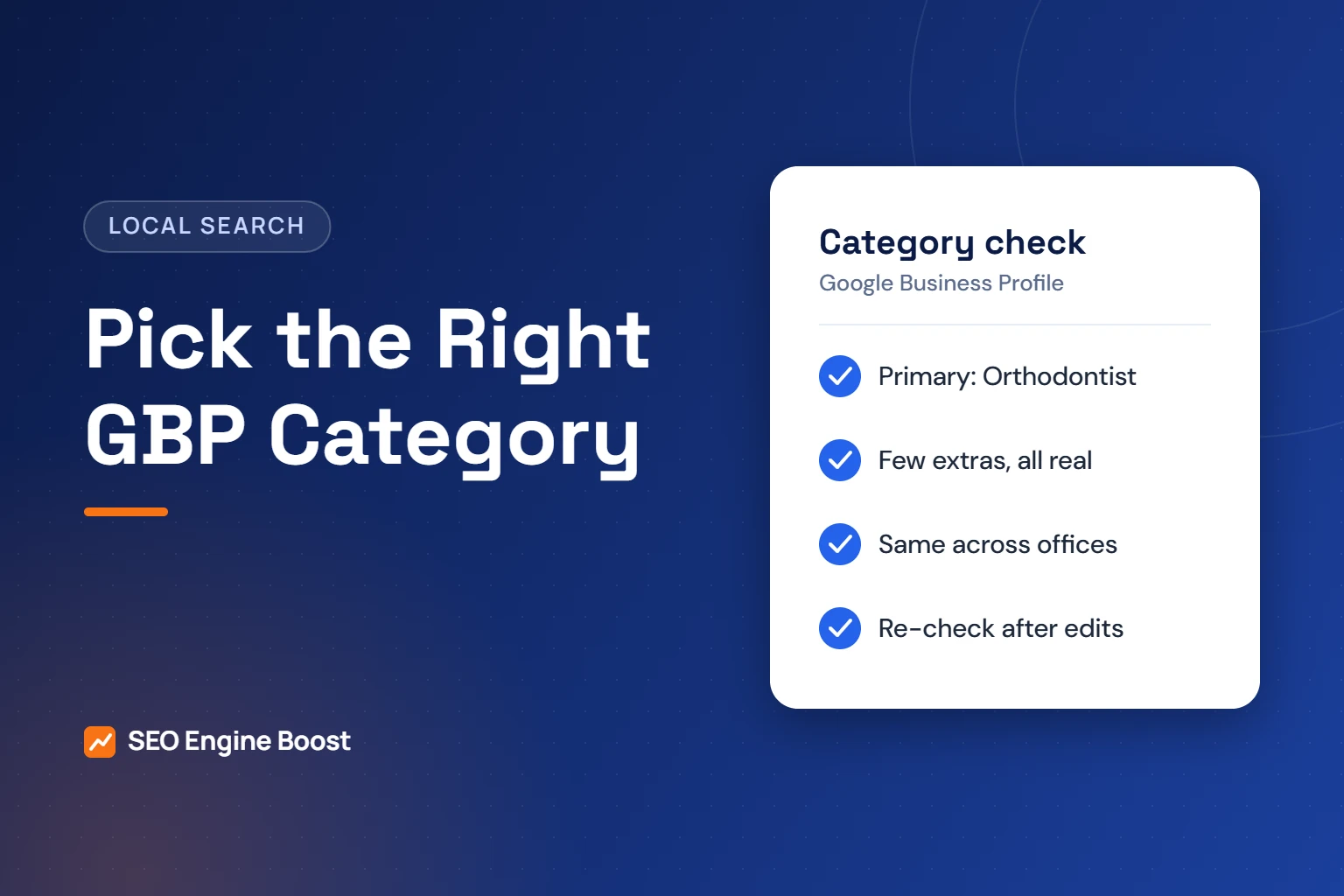
Most orthodontic practices should set Orthodontist as the primary Google Business Profile category. Add other categories only when they describe a real, core part of the practice, such as general dentistry in a combined office. Google asks businesses to use as few categories as possible and never to use them as keywords.
The category is one of the strongest local signals you control. It tells Google which searches your profile is relevant for. This guide covers what Google’s guidelines say and which dental categories exist. It also explains how to handle doctors with their own profiles and how to change a category safely.
Key takeaways
- Use Orthodontist as the primary category if orthodontics is your core service.
- Add a second category only for a real, core service line, never as a keyword.
- Keep the same name and categories on every office that offers the same care.
- Category edits can trigger re-verification, so change one thing at a time and note the date.
In this article
- Why your category choice matters
- What Google’s guidelines say about categories
- Dental categories you are likely to see
- Choosing the primary category
- When to add additional categories
- Practitioner profiles and their categories
- How to change a category safely
- Common category mistakes in orthodontic profiles
- Frequently asked questions
Why your category choice matters
Google is direct about this. Its help page says that the categories you select affect your local ranking. Categories also decide when your profile appears in local searches and which label it shows.
Local SEO practitioners agree. In Whitespark’s 2026 Local Search Ranking Factors survey, 47 local search experts rated 187 factors. They ranked the primary category as the number one factor for the local pack and Maps. Additional categories ranked eighth.
That survey reflects expert opinion, not Google data. Still, it matches what Google says. Category is a ranking input, and the primary category carries the most weight.
Categories can also unlock features. Google notes that health and beauty businesses can add a booking button, based on their category. See our Google Business Profile service for orthodontists for how we set up the full profile.
What Google’s guidelines say about categories
Google’s rules for Business Profiles are short and clear. These are the points that matter for an orthodontic office:
- Pick the most specific category. Google asks for categories “as specific as possible, but representative of your main business.”
- Use as few as possible. The guidelines say to “use as few categories as possible to describe your overall core business.”
- No keyword stuffing. Google says: “Do not use categories solely as keywords or to describe attributes of your business.”
- No category per service. Google’s help page says: “Do not select a category for every product or service.”
- You cannot create a category. If the right one is missing, choose a more general one.
- Keep locations consistent. All locations “must also have the same category if they provide the same service.”
In short, the category describes what your practice is. It is not a list of everything you do. Treatments such as clear aligners or early treatment belong on your website and in your profile description.
Where treatments belong instead
Patients search for treatments, so it is natural to want categories for each one. Google gives you other places for that detail. Use them instead of extra categories.
- Your website. Build one clear page per treatment, such as braces, clear aligners and early treatment. Link the profile to the right office page.
- Your profile description. Mention your main treatments in plain words. Google does not allow links in the description.
- Your reviews. Patients often name the treatment they had. That language describes your care in their own words.
- Your photos. Show the real office, team and equipment. Avoid stock images of smiles.
Dental categories you are likely to see
The Google help pages we checked do not show the full category list, and GBPly notes that it varies by country. The table below lists only the dental categories we found named in the sources for this guide. Always confirm the exact wording in your own Business Profile editor.
| Category | When it can fit an orthodontic practice | Seen in |
|---|---|---|
| Orthodontist | The primary category for any practice whose core service is orthodontics | Sterling Sky; GBPly |
| Dentist | An additional category only if the office also provides general dentistry as a core service | Sterling Sky; GBPly |
| Dental clinic | Rarely needed for an orthodontic office; more common for general or multi-specialty clinics | Sterling Sky |
| Cosmetic dentist | Not a fit for orthodontics alone; do not add it to target aligner searches | Sterling Sky; GBPly |
| Dental implants periodontist | Only if a periodontist on site provides implant care as a core service | GBPly |
| Emergency dental service | Only if you truly offer emergency dental care, not just broken-bracket visits | GBPly |
Sterling Sky, a local SEO agency, counted 13 dental categories in 2025 but did not list them all. We have not included any category we could not see named in a source.
Choosing the primary category
For most readers, this is a quick decision. The right answer depends on what the office does every day.
Orthodontics-only practice
Set Orthodontist as primary. In most cases, you do not need any additional categories. Adding Dentist to an orthodontics-only office would describe a service you do not offer.
Combined general and orthodontic office
Pick the category that describes most of the patient care at that location. A general office with an orthodontist on certain days will usually keep Dentist as primary. It can then consider a practitioner profile for the orthodontist, covered below.
Multi-location group or OSO
Use the same primary category on every office that offers the same care. Google’s guidelines require consistent names and categories across locations. A new office that only offers observation visits still offers orthodontic care, so it keeps the same category. See our guide to SEO for orthodontic groups for more on running many profiles.
When to add additional categories
Google says additional categories exist “to inform your customers about special departments or services.” The test is simple. Would a patient walking in agree that this is a core part of what the office does?
| Situation | Add a category? | Reason |
|---|---|---|
| You offer clear aligners | No | Aligners are orthodontic treatment, already covered by Orthodontist |
| You treat young children with early treatment | No | Still orthodontics; describe it on your website instead |
| A general dentist works full-time in the same office | Possibly Dentist | Only if general dentistry is a real, core service at that address |
| You fix broken brackets the same day | No | Not an emergency dental service in the usual sense |
| You want to rank for “cosmetic dentist” | No | Google forbids using categories as keywords |
How many can you add? Third-party guides, such as GBPly, report a cap of ten in total: one primary and up to nine additional. Google’s own help pages we checked do not state a number. For an orthodontic office, the practical answer is one to two.
More categories are not automatically better. Sterling Sky described a New York dental client whose primary category changed from Cosmetic dentist to Dentist. The office then ranked better for dentist searches and did not lose cosmetic rankings. That is one agency’s observation, not a controlled study. It does show that broader is not always weaker.
Want a second opinion on your profile?
We review your categories, name, phone, hours and reviews against Google’s guidelines and your local competitors.
Practitioner profiles and their categories
Google allows individual practitioners to have their own Business Profile in some cases. The practitioner must serve the public and be reachable at the verified location during stated hours. Support staff should not have their own profiles.
- Several doctors at one office. The practice gets one profile. Each practitioner’s profile name should include only that person’s name.
- A solo practitioner under a brand. Google asks for the format “[brand/company]: [practitioner name].”
- No duplicate profiles for specialties. Google says a practitioner “shouldn’t have multiple Business Profiles to cover all of their specializations.”
Sterling Sky gives an example for general dental offices. An orthodontist working there can have a practitioner profile with Orthodontist as its primary category. The office profile can then keep Dentist.
Be careful when the practice name matches the doctor’s name. Sterling Sky warns that a separate practitioner profile in that case often gets flagged as a duplicate.
How to change a category safely
Category edits are simple to make, but they are not risk-free. Google warns that if you add or edit a category, “you might be asked to verify your business again.” Plan for that.
- Record the current setup. Take a screenshot of the categories, name, phone and hours.
- Note the date. Write down the day of the change so you can compare calls and direction requests before and after.
- Change one thing at a time. Do not edit categories, name and website on the same day. You will not know which change caused a shift.
- Open the editor. In your profile, select Edit next to Business category. Choose the primary category, then add or remove additional ones.
- Watch for a verification request. Respond quickly so the profile stays live.
- Review after four to six weeks. This is agency guidance, not a Google rule. Compare calls, website clicks and direction requests with the period before.
Our free Google Business Profile checker helps you review the rest of the profile at the same time.
Common category mistakes in orthodontic profiles
- Adding every dental category available. This breaks Google’s “as few as possible” rule and can blur what the practice is.
- Using Cosmetic dentist to chase aligner searches. That is using a category as a keyword.
- Different categories at offices offering the same care. Google requires consistency across locations.
- Creating a second profile for a specialty. One practitioner, one profile.
- Changing categories often. Each edit may trigger re-verification and makes results hard to read.
Categories are one part of a strong profile. Reviews, accurate hours and a well-built website also matter. Our Google Business Profile checklist covers the full list, and our guide on how to rank on Google Maps explains how the pieces fit.
Categories matter most alongside well-built location pages and steady reviews. Our orthodontic SEO service handles all three.
Frequently asked questions
What is the best Google Business Profile category for an orthodontist?
For a practice whose core service is orthodontics, the best primary category is Orthodontist. It is the most specific option, and Google asks for the most specific category that represents your main business. Add other categories only if they describe a real, core service at that address, such as general dentistry in a combined office.
How many categories can an orthodontic practice add?
Google’s help pages we checked do not give a number. Third-party guides report a cap of ten in total, one primary and up to nine additional. Google’s guidelines say to use as few categories as possible. For most orthodontic offices, one primary category and at most one additional category is enough.
Should I add Cosmetic dentist to rank for clear aligner searches?
No. Google’s guidelines say not to use categories solely as keywords or to describe attributes of your business. Clear aligners are orthodontic treatment, which the Orthodontist category already covers. Build a strong clear aligner page on your website and mention aligners in your profile description instead.
Will changing my category hurt my rankings?
It can change them, up or down, because Google says categories affect local ranking. Google also warns you may be asked to verify the business again after an edit. Change one thing at a time, note the date, and compare calls and direction requests over the following weeks before making another change.
Do all of our offices need the same category?
Yes, if they offer the same service. Google’s guidelines say all locations must have the same category when they provide the same service, and names should be consistent too. An office that only offers part of your care, such as observation visits, still provides orthodontic care and should keep the same primary category.
Sources
- Google Business Profile Help: Guidelines for representing your business on Google
- Google Business Profile Help: Edit your business category
- Whitespark: 2026 Local Search Ranking Factors (November 6, 2025)
- Sterling Sky, Colan Nielsen: Local SEO for Dentists (March 24, 2025, updated September 2025)
- GBPly (third-party guide): Google Business Profile categories (last reviewed August 2026)
Keep reading
See where your practice stands
If you would like a second pair of eyes on your own practice, we offer a free growth audit: a manual review of your local visibility, website, reviews and content, with a prioritized list of what to fix first.
Check your profile in minutes: use our free Google Business Profile checker to review categories, hours, photos and reviews.